

Опис
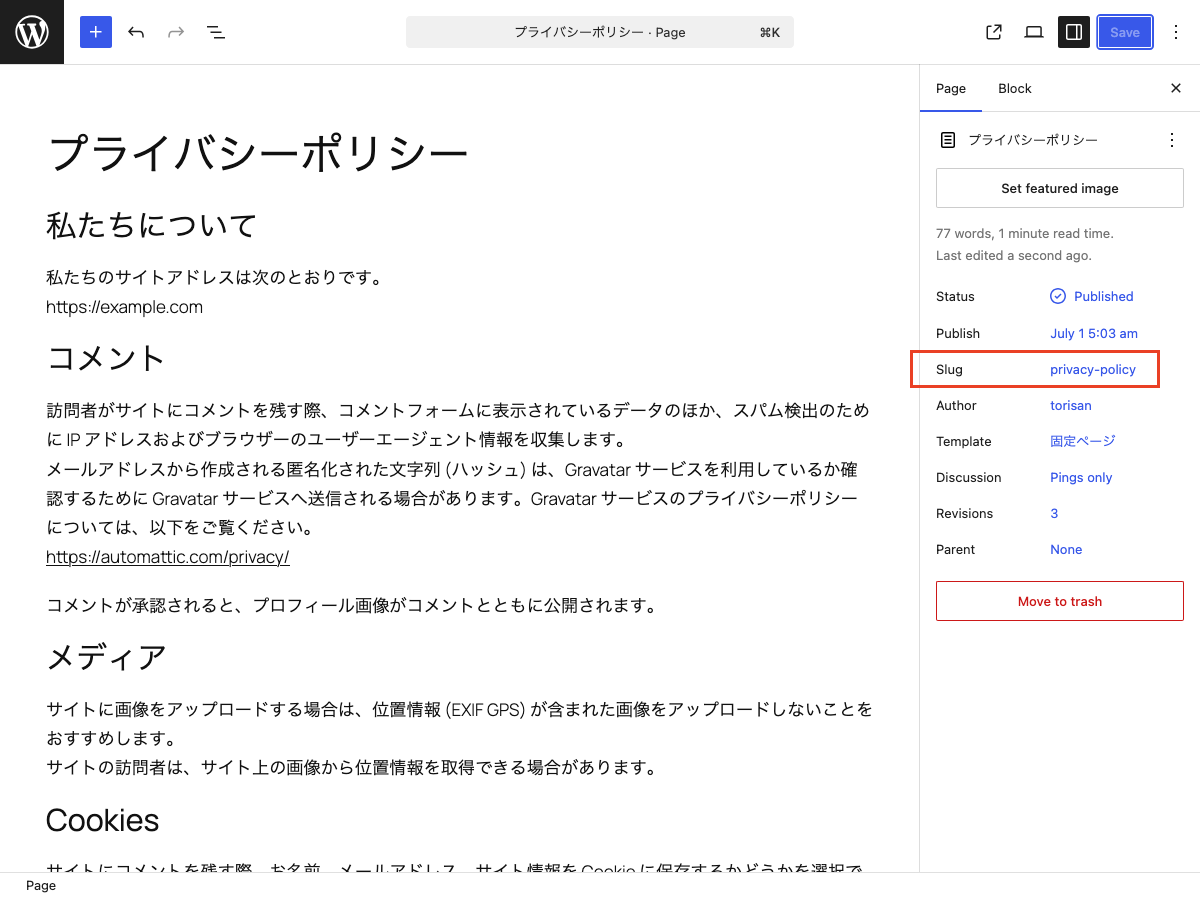
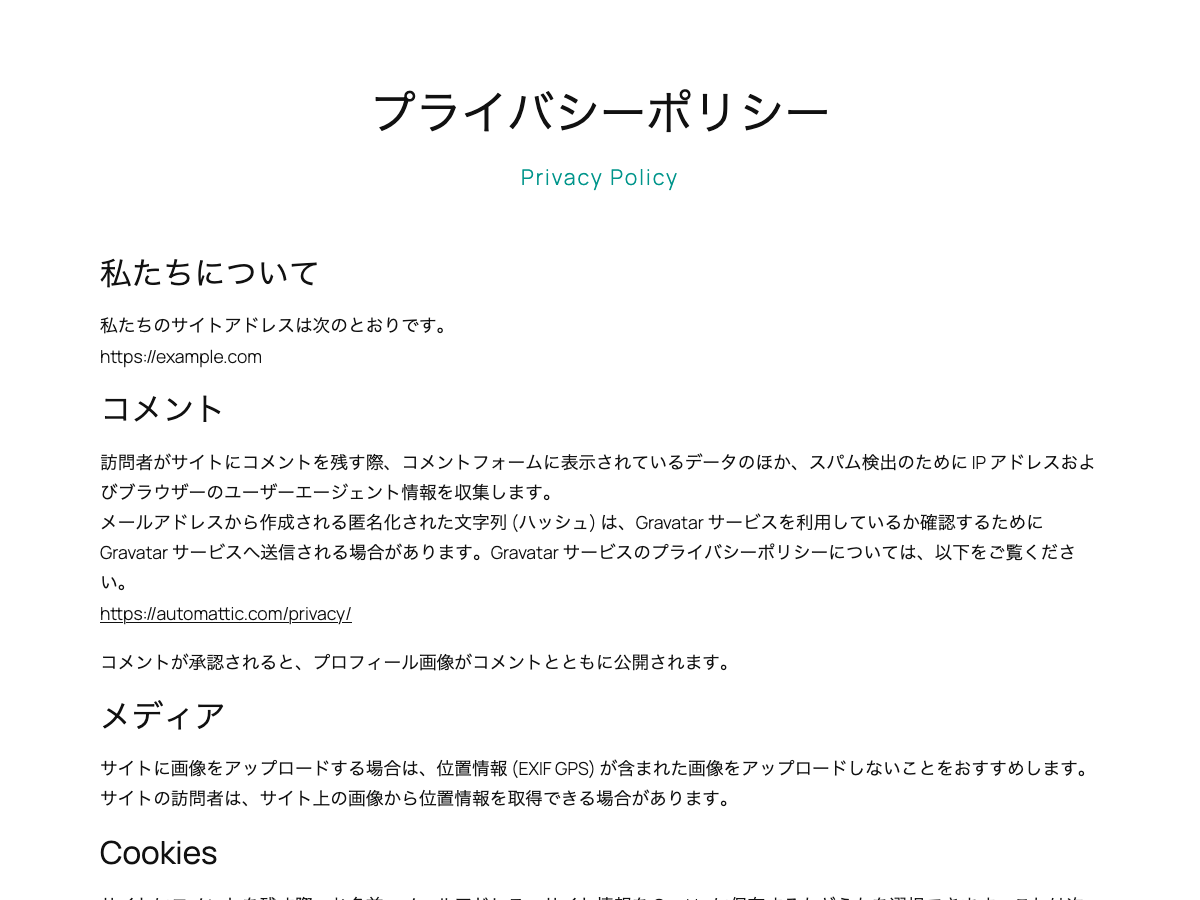
This block is designed for use in templates in the Site Editor. It displays the current post’s slug on single posts and pages. On archive pages, it displays the slug of the current category or custom post type.
Hyphens in slugs are displayed as spaces.
You can use the displayed slug as supporting text for the page title or as a design accent.
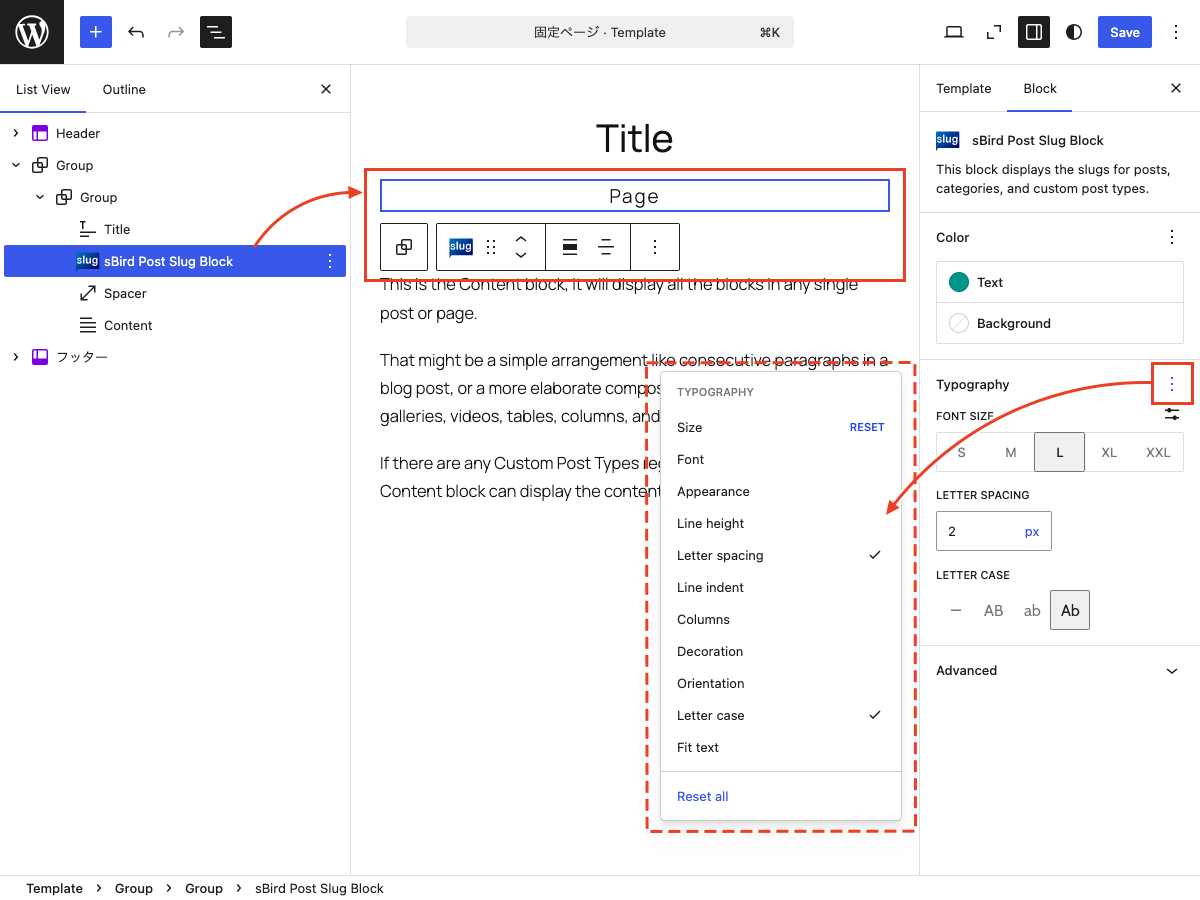
It extends the core Paragraph block, so you can use the same styling options available to Paragraph blocks.
Usage
- Add the “sBird Post Slug Block” to a template in the Site Editor.
- You can use the block on single posts, pages, and archive pages.
- As with the Paragraph block, you can customize the text color, background color, font size, and typography.
Скріншоти
Блоки
Цей плагін надає 1 блок.
- sBird Post Slug Block This is a block for the Site Editor that displays the slugs of posts, categories, and custom post types.
Встановлення
- Upload the plugin files to the /wp-content/plugins/sbird-post-slug-block directory, or install the plugin through the WordPress plugins screen directly.
- Activate the plugin through the ‘Plugins’ menu in WordPress.
- Use the site editor to add “sBird Post Slug Block” to your template.
Відгуки
Для цього плагіна немає відгуків.
Учасники та розробники
“sBird Post Slug Block” — проект з відкритим вихідним кодом. В розвиток плагіну внесли свій вклад наступні учасники:
Учасники
“sBird Post Slug Block” було перекладено на 1 локалізацію. Дякуємо перекладачам за їх роботу.
Перекладіть “sBird Post Slug Block” на вашу мову.
Цікавитесь розробкою?
Перегляньте код, перегляньте сховище SVN або підпишіться на журнал розробки за допомогою RSS.
Журнал змін
1.1.1
- Added nowrap styling.
1.1
- Added margin and padding controls.
1.0
- Hello, world!