

Опис
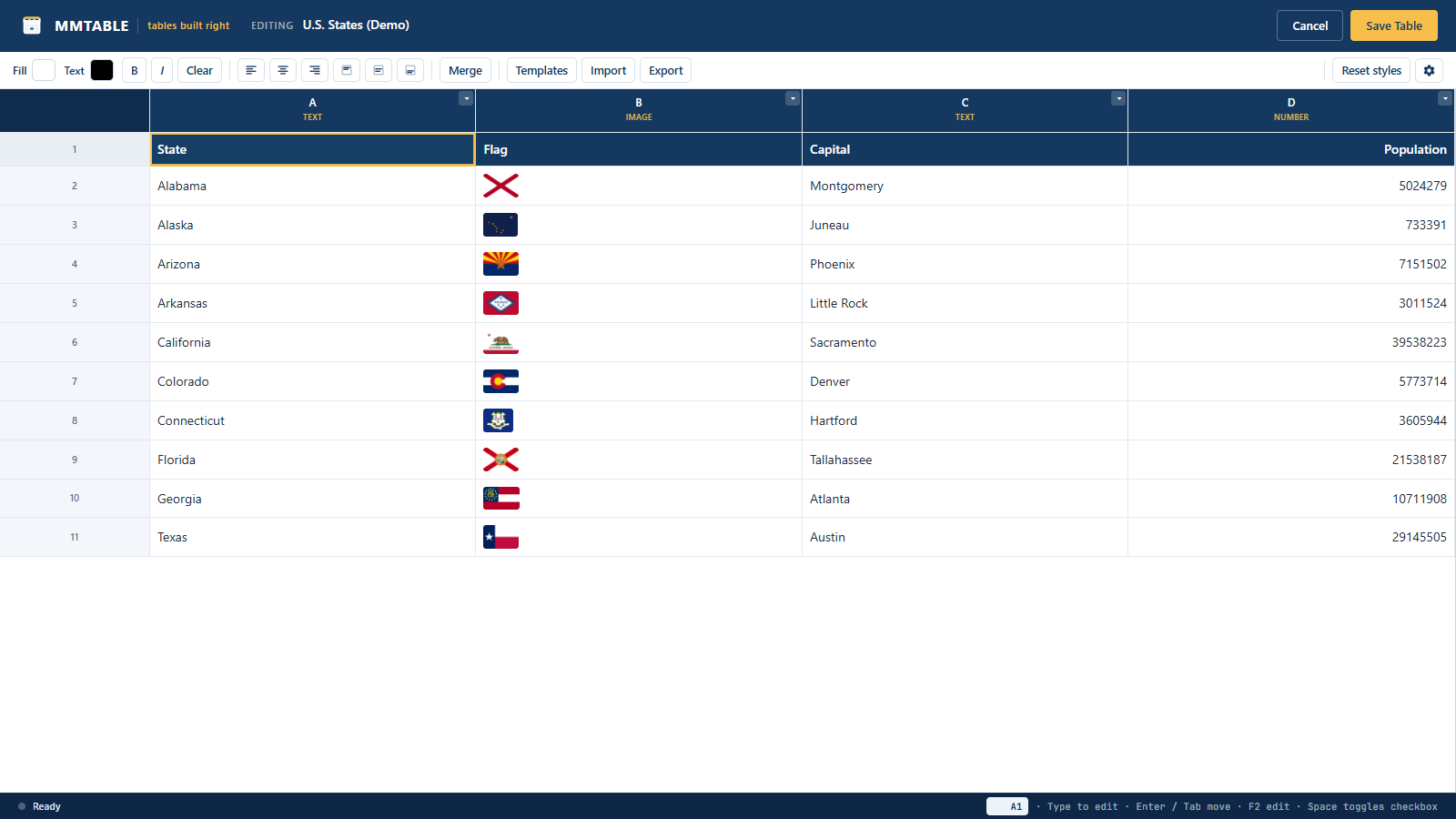
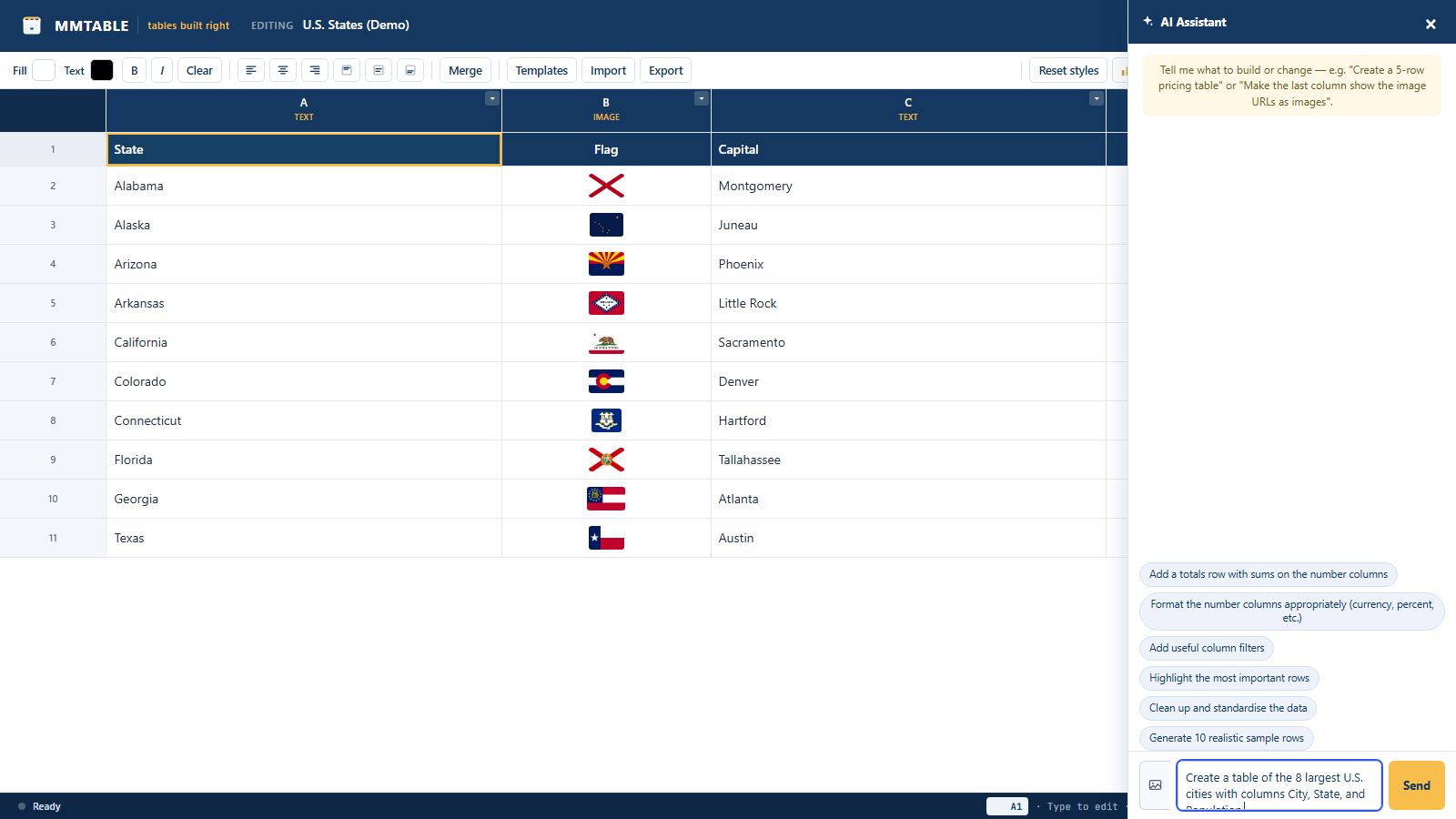
MMTable gives you a real spreadsheet-style editor for building data tables, then renders them on the front end as clean, fast, accessible HTML tables with search, sorting, and pagination. The editor is a purpose-built grid (no heavy third-party spreadsheet library), so it loads quickly and behaves the way you expect: arrow-key navigation, type-to-edit, Enter/Tab to move, F2 to edit, range selection, and undo/redo.
What this plugin does
- Spreadsheet-style editor with keyboard navigation and multi-cell selection
- Typed columns: text, number, checkbox, dropdown, date, color, image, rich text / HTML
- Per-column number and date formatting (currency, percent, decimals, date)
- Cell styling: background, text color, bold, italic, alignment, and merged cells
- In-cell rich-text toolbar (bold/italic/underline/link) with keyboard shortcuts
- Sticky header row (with custom offset) and sticky first column
- Striped rows, hover highlight, compact density, and a table caption
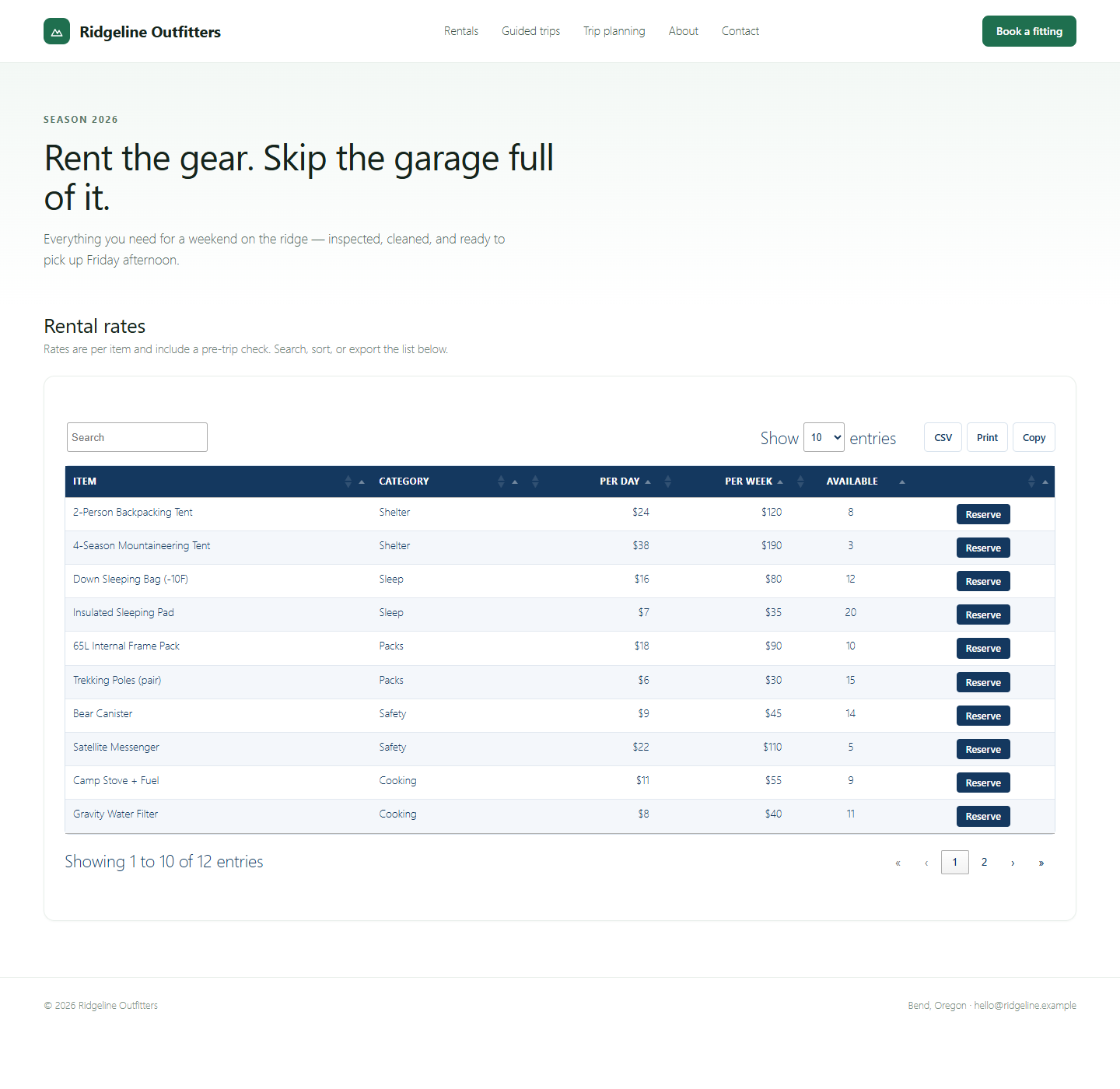
- Front-end tables with search, sorting, pagination, and responsive horizontal scroll
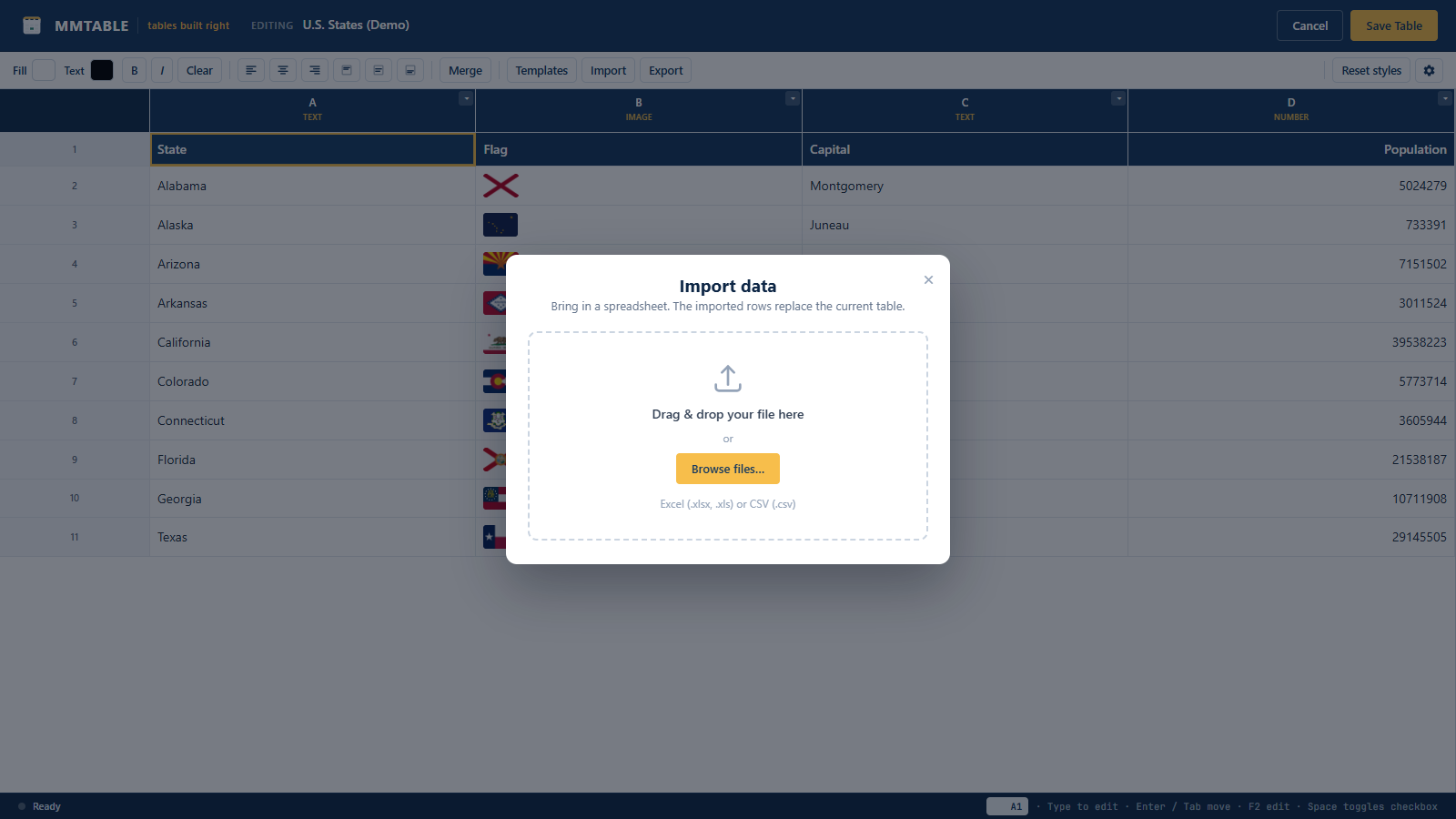
- CSV import (button or drag-and-drop) and Excel (.xlsx) import
- Footer row with a per-column record count
- Front-end CSV export, plus Print and Copy (each toggleable per table)
- Embed anywhere: shortcode, Gutenberg block, Elementor, Divi, Bricks, and Beaver Builder
Embedding
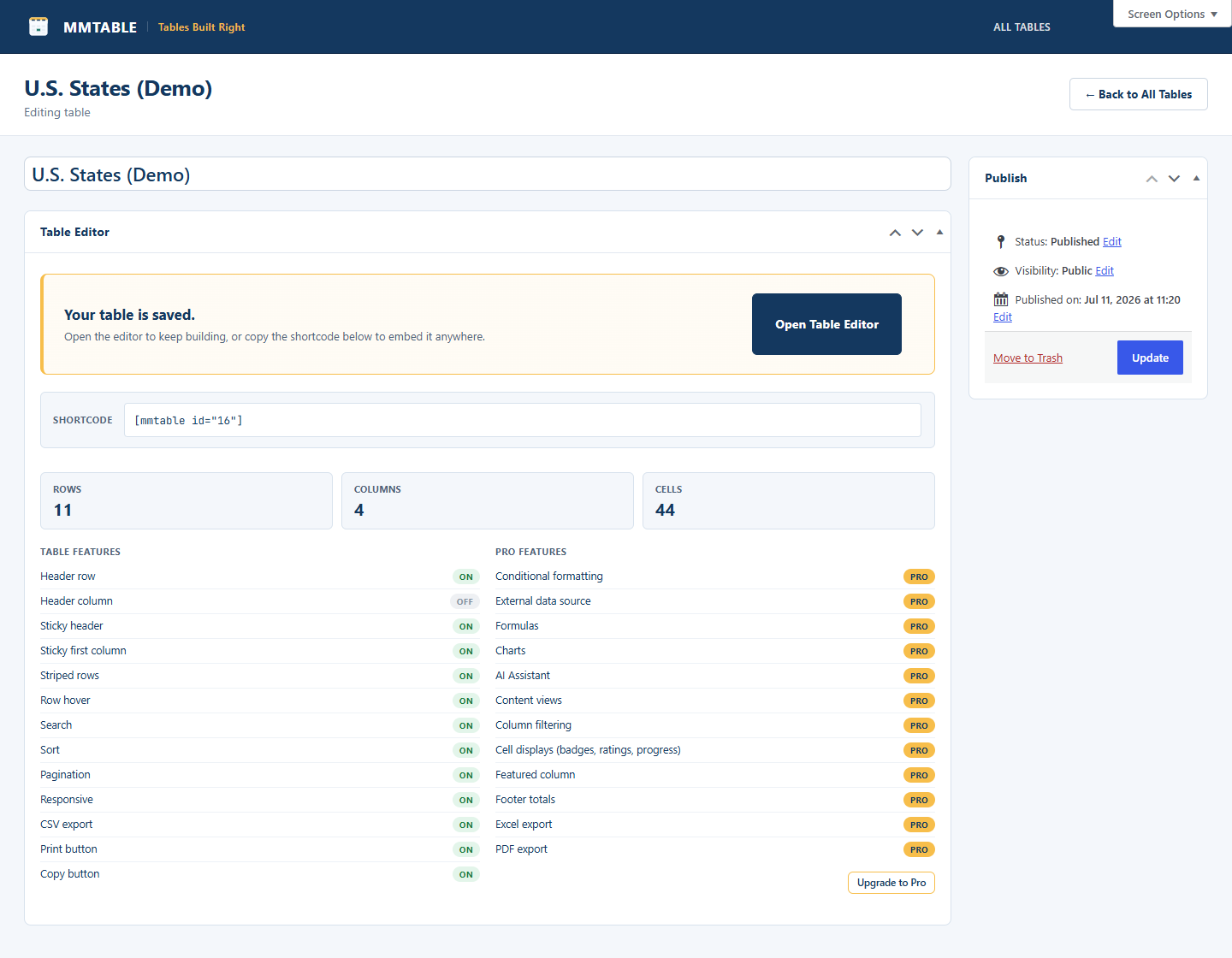
Use the shortcode [mmtable id="123"], the MMTable Gutenberg block, or the MMTable widget/module/element in Elementor, Divi, Bricks, or Beaver Builder. All of them render the same table.
MMTable Pro
Pro adds the features people upgrade for:
- Conditional formatting rules
- Cell displays: colored badges, rating stars, progress bars, and featured (pop-out) columns
- Footer totals: sum, average, weighted average, median, standard deviation, min, max, unique, and row counts
- Excel (.xlsx) and PDF export
- Formulas (SUM, AVERAGE, IF, cell and range references, and more)
- Charts built from your table data
- External data sources: Google Sheets, JSON, and remote CSV with scheduled sync
- Per-column filters (dropdown, text, and number-range)
- Content views: display table rows as cards, galleries, or lists
- AI Assistant that builds and edits your tables for you
Скріншоти
Блоки
Цей плагін надає 1 блок.
- MMTable
Встановлення
- Upload the
mmtablefolder to/wp-content/plugins/, or install the zip via Plugins -> Add New -> Upload. - Activate MMTable through the Plugins menu.
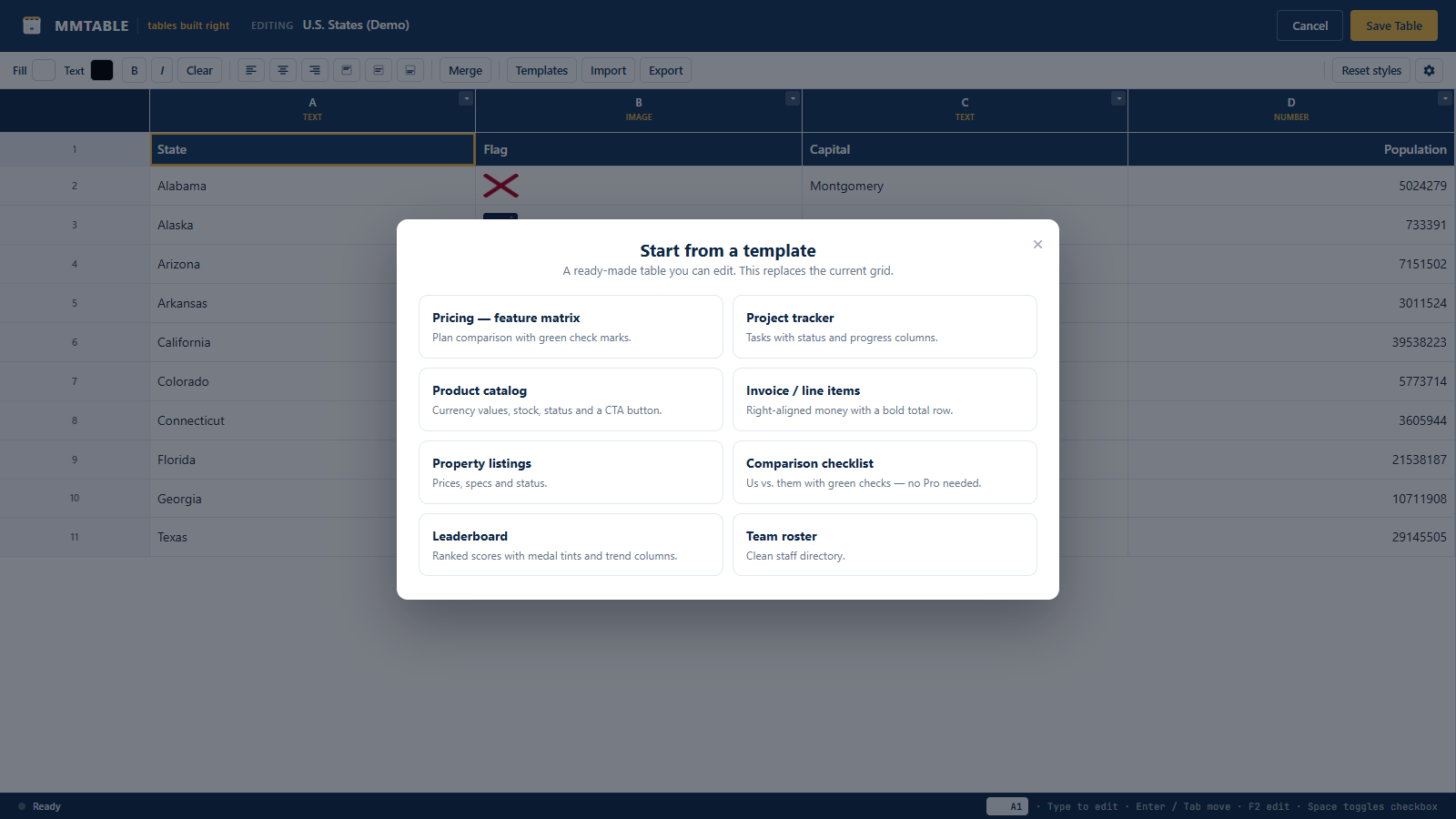
- Go to MM Tables -> Add New, build your table, then embed it with the shortcode or your page builder.
Часті питання
-
How do I embed a table?
-
Copy the shortcode shown on the table’s edit screen ([mmtable id=”123″]), or drop the MMTable block/widget into your editor or page builder and pick the table.
-
Does it work with my page builder?
-
Yes – Gutenberg, Elementor, Divi, Bricks, and Beaver Builder each have an MMTable element. Anything that accepts a shortcode works too.
-
Are the front-end tables responsive?
-
Yes. Wide tables scroll horizontally inside their region; the header stays pinned. You can also enable a sticky header row and sticky first column.
Відгуки
Для цього плагіна немає відгуків.
Учасники та розробники
“MMTable” — проект з відкритим вихідним кодом. В розвиток плагіну внесли свій вклад наступні учасники:
Учасники
Перекладіть “MMTable” на вашу мову.
Цікавитесь розробкою?
Перегляньте код, перегляньте сховище SVN або підпишіться на журнал розробки за допомогою RSS.
Журнал змін
1.0.0
- Initial release.