
Опис
Incognito mode (also called a private window) is a great privacy feature, but it also disables the cookies and storage that many sites rely on for a good experience: remembered preferences, personalised suggestions, saved carts, and so on.
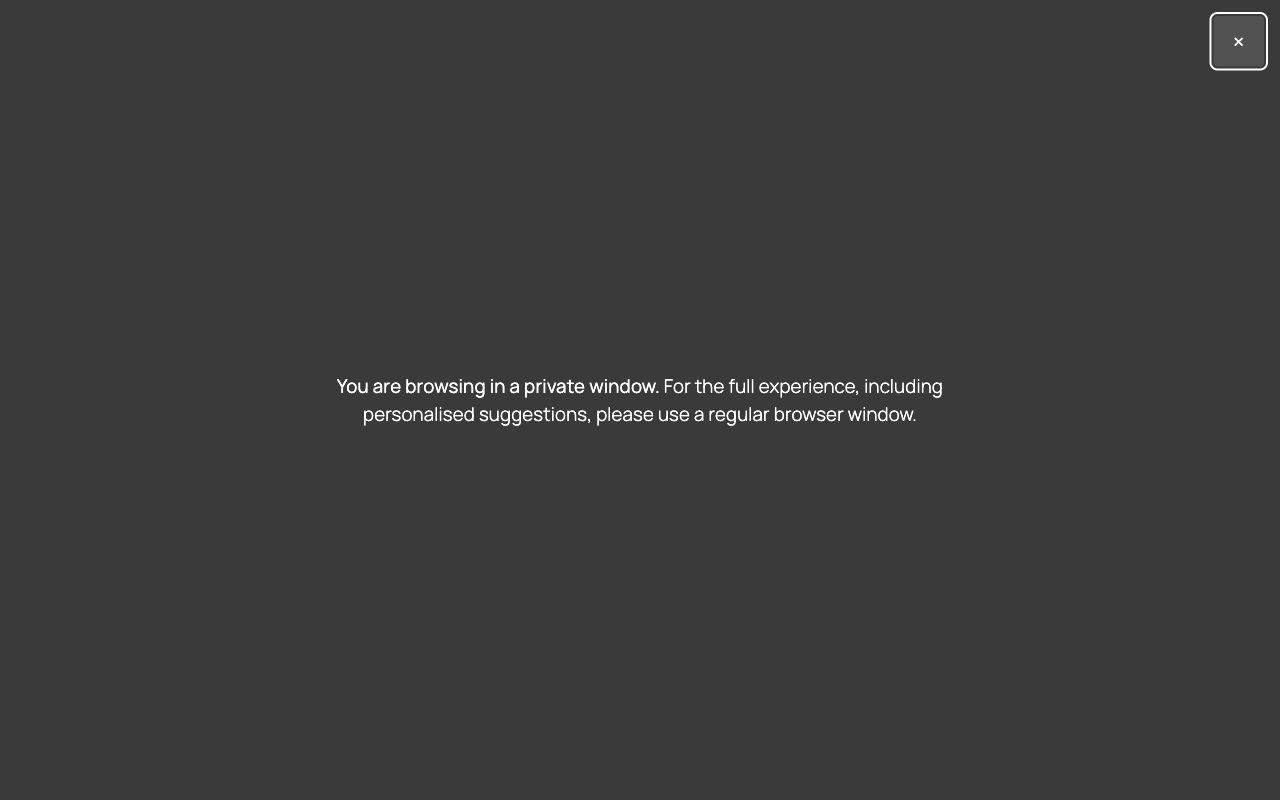
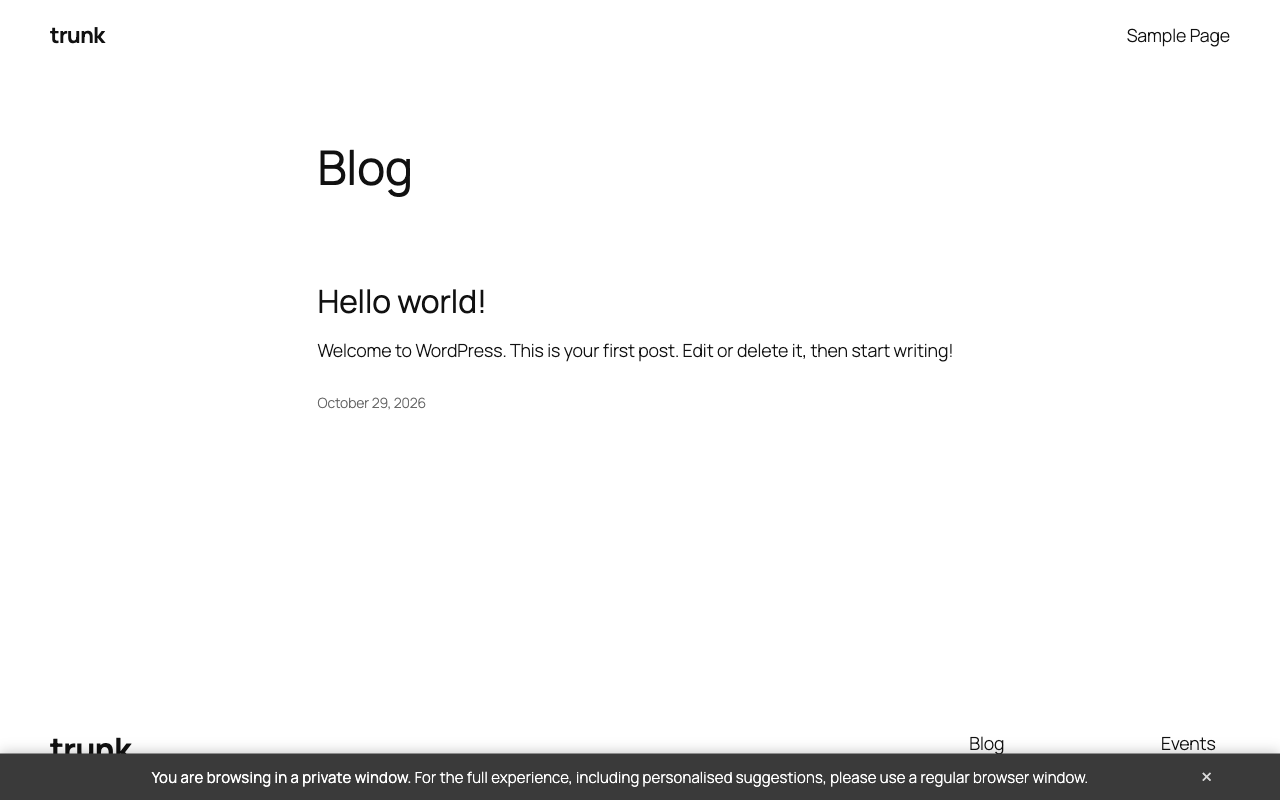
Incognito Window Detect lets you tell those visitors what is going on. When a private window is detected, it shows a message you write, either as a discreet bar at the bottom of the page or as a full-screen overlay.
Features
- Bottom bar or full-screen overlay
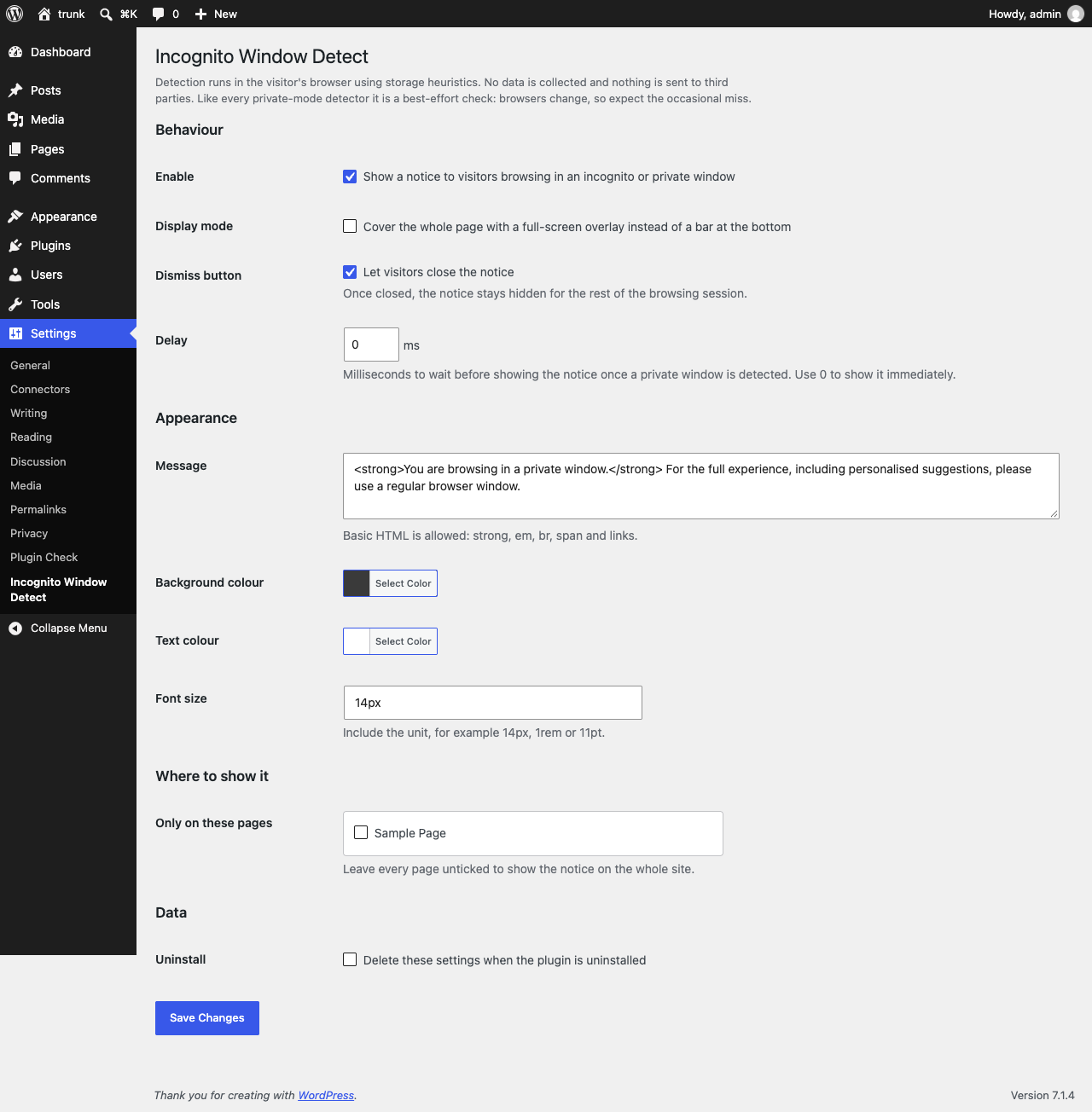
- Your own message, with basic HTML (bold, links, line breaks)
- Custom background and text colours and font size
- Optional dismiss button, remembered for the browsing session
- Optional delay before the notice appears
- Show it on the whole site or only on the pages you pick
- Accessible markup (live region for the bar, dialog semantics for the overlay, keyboard dismiss)
- No jQuery on the front end, no external requests, nothing tracked
How detection works
Detection runs entirely in the visitor’s browser using the open-source detectIncognito.js library (MIT licence), which is bundled with the plugin. The bundled file is the ES5 build of release v1.9.0; the unminified source is available at dist/detectIncognito.js in that release. It uses storage-behaviour heuristics that differ between normal and private windows in Chrome, Edge, Brave, Opera, Firefox and Safari. Nothing is sent anywhere and no data is stored about the visitor.
Like every private-mode detector, it is a best-effort check. Browsers change how private windows behave, so an occasional false positive or miss is possible. When the browser cannot be identified, nothing is shown.
Browser support
Verified by the plugin author on 29 October 2026 with the bundled detection library (private window detected, regular window not flagged):
- Google Chrome 156 (macOS)
- Mozilla Firefox 152 (macOS)
- Safari 17.4 (macOS)
Supported by the detection library, not individually verified by the plugin author: Chromium-based browsers from version 83 (Chrome, Microsoft Edge, Brave, Opera, Chrome for Android), Firefox from version 44, Safari on macOS and iOS up to 26.5. Internet Explorer is not supported.
Known limitations:
- Detection only works on sites served over HTTPS (or localhost).
- Firefox container tabs are not detected.
- Chrome Guest mode and profiles stored on a RAM disk can be reported as private.
- Browser vendors actively close detection signals, so a new browser release can cause misses until the library is updated. The plugin fails safe: when in doubt, no notice is shown.
For developers
Filters:
incognito_window_detect_should_load– decide per request whether to load the notice.incognito_window_detect_settings– adjust the settings array.incognito_window_detect_message– change the message HTML.incognito_window_detect_allowed_html– change the HTML tags allowed in the message.incognito_window_detect_script_config– change the configuration passed to the front-end script.
DOM events dispatched on the notice element (they bubble to document):
incognito-window-detect:result– after detection, withdetail.isPrivateanddetail.browserName.incognito-window-detect:shownandincognito-window-detect:dismissed.
Privacy note for developers: out of the box the detection result never leaves the visitor’s browser. If you use the result event to send it to your server or to an analytics tool, you are collecting information from the visitor’s device, which may require consent under the ePrivacy rules that apply to your site.
The notice element keeps the 1.x class names (incognito_mode_isPrivateMode, incognito_mode_isPrivateMode__overlay) alongside the new ones, so existing custom CSS keeps working.
Скріншоти
Встановлення
- Install the plugin from the Plugins screen, or upload the
incognito-window-detectfolder to/wp-content/plugins/. - Activate it through the Plugins screen.
- Go to Settings Incognito Window Detect, tick “Enable”, write your message and save.
Часті питання
-
Does the plugin collect or send any data?
-
No. Detection happens in the browser, the library is served from your own site and no request is made to any third party.
-
Why does the notice not show in my private window?
-
Check that the plugin is enabled in Settings Incognito Window Detect and that your site uses HTTPS (browsers restrict the storage APIs the detection relies on over plain HTTP). Caching plugins can also serve a page generated before you enabled the notice; purge the cache after saving. Finally, detection is heuristic and a new browser release can temporarily defeat it. If that happens, open an issue on the support forum with your browser name and version.
-
Can I show the notice on posts, not only pages?
-
The page picker lists pages only. For anything more specific, use the
incognito_window_detect_should_loadfilter and your own conditional tags. -
Can visitors close the notice?
-
Yes, if you enable the dismiss button. The choice is remembered for the browsing session using session storage. Sites upgrading from 1.x keep the previous behaviour (no dismiss button) until you enable it.
-
In 2.0 the settings page moved to Settings Incognito Window Detect. Your existing settings were kept.
Відгуки

Учасники та розробники
“Incognito Window Detect” — проект з відкритим вихідним кодом. В розвиток плагіну внесли свій вклад наступні учасники:
Учасники
Перекладіть “Incognito Window Detect” на вашу мову.
Цікавитесь розробкою?
Перегляньте код, перегляньте сховище SVN або підпишіться на журнал розробки за допомогою RSS.
Журнал змін
2.0.0
- Detection library is now bundled with the plugin (detectIncognito.js 1.9.0) instead of being loaded from a CDN. This fixes detection in current browsers and removes the external request.
- Rebuilt the settings page with the WordPress Settings API; the bundled CMB2 framework is gone, trimming the plugin from 3 MB to under 100 KB.
- Settings moved to Settings Incognito Window Detect. Existing settings are preserved.
- New: optional dismiss button, remembered for the browsing session.
- New: filters and DOM events for developers.
- Notice markup is rendered server side with proper escaping; colours, font size and message HTML are validated on save.
- Front end no longer depends on jQuery; scripts load deferred and only on pages where the notice is active.
- “Delete settings on uninstall” now actually deletes the settings.
- Accessibility: live region for the bar, dialog semantics for the overlay, Escape key to dismiss, reduced-motion support.
- Requires WordPress 6.3 and PHP 7.4.
1.3
- Update the method to determine the private window usage
1.1
- New features
1.0
- Fix JS Document ready
- Add filter to Specific Pages
0.2
- Fullscreen Overlay functionality
0.1
- First version to start.