
Опис
When activated, this plugin:
1. Closes comments and pings on all existing public content (posts, pages, and custom post types).
2. Sets WordPress defaults to disallow new comments and pings on all future content.
3. Ensures that newly created or updated posts remain closed to comments.
4. Hides the default Comments menu in the admin sidebar when enabled.
5. Provides a simple Settings page with a single Activate / Deactivate button to toggle behavior.
When deactivated, the plugin restores the default WordPress discussion settings without reopening previously closed comments.
Created by TYF Design.
Скріншоти
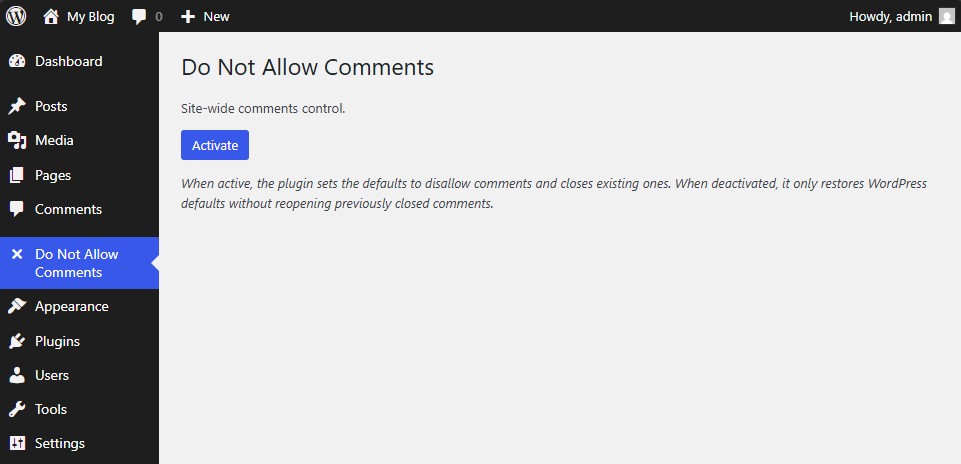
Main settings page showing the single “Activate / Deactivate” button. 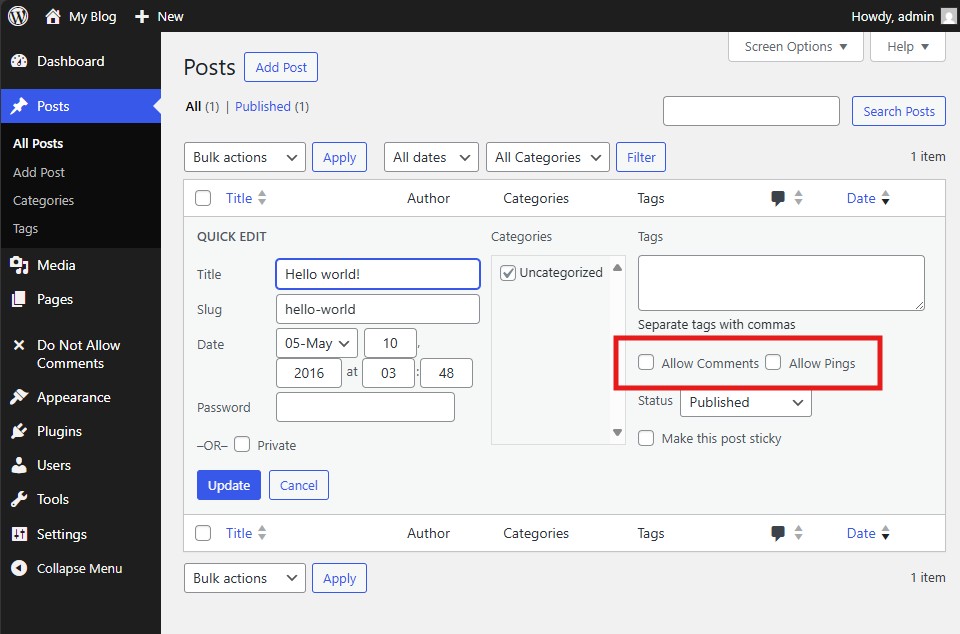
Post editor screen showing the “Allow Comments” option already unchecked by default. 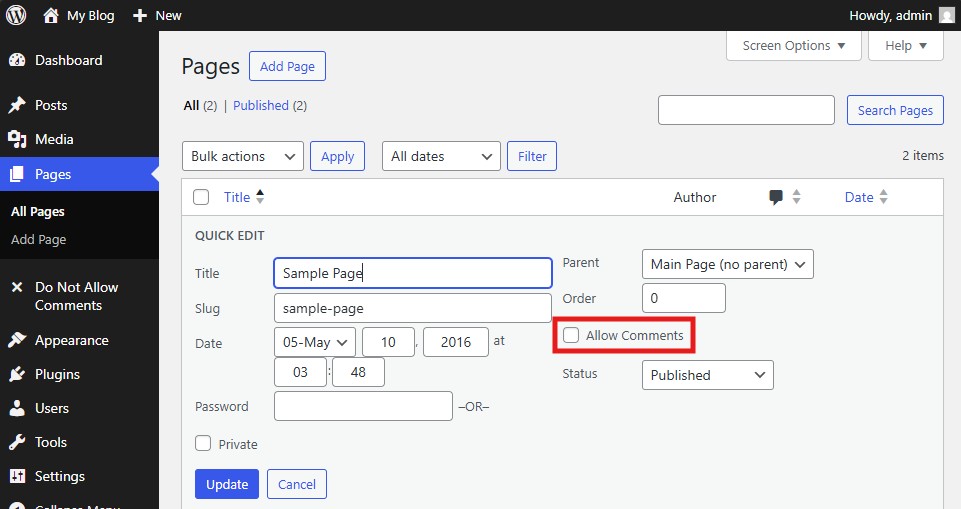
Page editor screen showing the “Allow Comments” option already unchecked by default.
Встановлення
- Upload the plugin folder to your /wp-content/plugins/ directory.
- Go to the Plugins page and activate Do Not Allow Comments Everywhere for WordPress.
- Access the plugin’s settings under Do Not Allow Comments -> Settings to enable or disable global control.
Часті питання
-
How do I use this plugin?
-
Simply activate the plugin. Comments and pings will automatically be disabled for all existing and future posts. You can toggle the setting at any time through the plugin’s configuration page.
-
How do I uninstall the plugin?
-
Deactivate the plugin from the Plugins page and delete it from your installation. WordPress default discussion settings will be restored automatically.
Відгуки

Учасники та розробники
“Do Not Allow Comments Everywhere” — проект з відкритим вихідним кодом. В розвиток плагіну внесли свій вклад наступні учасники:
Учасники
Перекладіть “Do Not Allow Comments Everywhere” на вашу мову.
Цікавитесь розробкою?
Перегляньте код, перегляньте сховище SVN або підпишіться на журнал розробки за допомогою RSS.
Журнал змін
1.0.1
Stable Version
* Initial public release.