

Опис
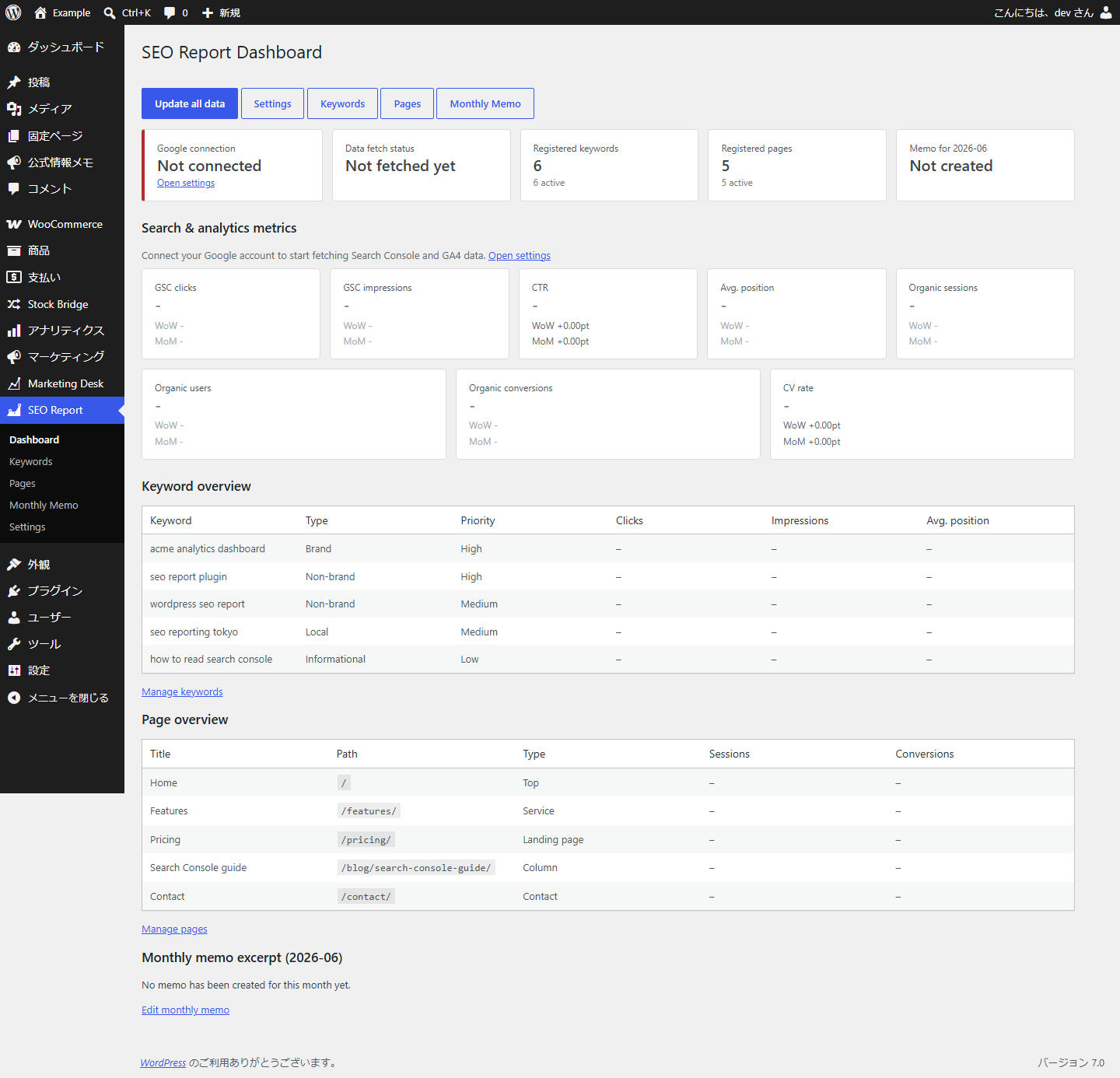
Neutrope SEO Report Dashboard brings the numbers you actually report on — from Google Search Console and Google Analytics 4 (GA4) — into a single, reporting-focused screen inside WordPress.
It is not a replacement for Google Site Kit or a general-purpose analytics tool. It is a focused reporting layer on top of your Google data, built for SEO specialists, web production and maintenance agencies, and in-house marketers who prepare regular SEO reports and want the key figures without bouncing between Search Console and GA4.
What it does
- Shows Google Search Console and GA4 key metrics in the WordPress admin.
- Purpose-built for SEO reporting and monthly client/internal reports.
- A reporting-focused layer on top of your Google data — not a Site Kit replacement.
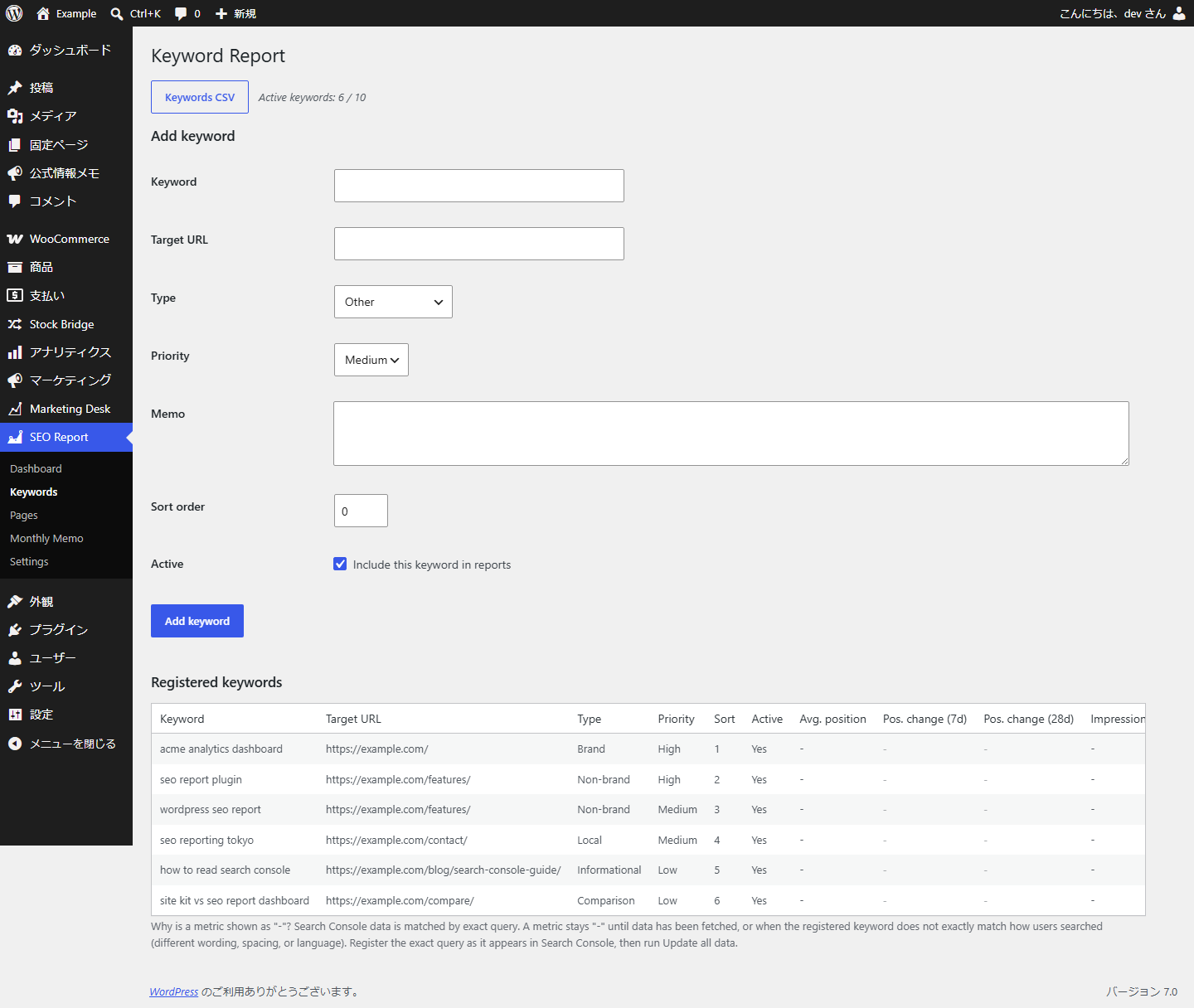
- Register your priority keywords and track their Search Console performance.
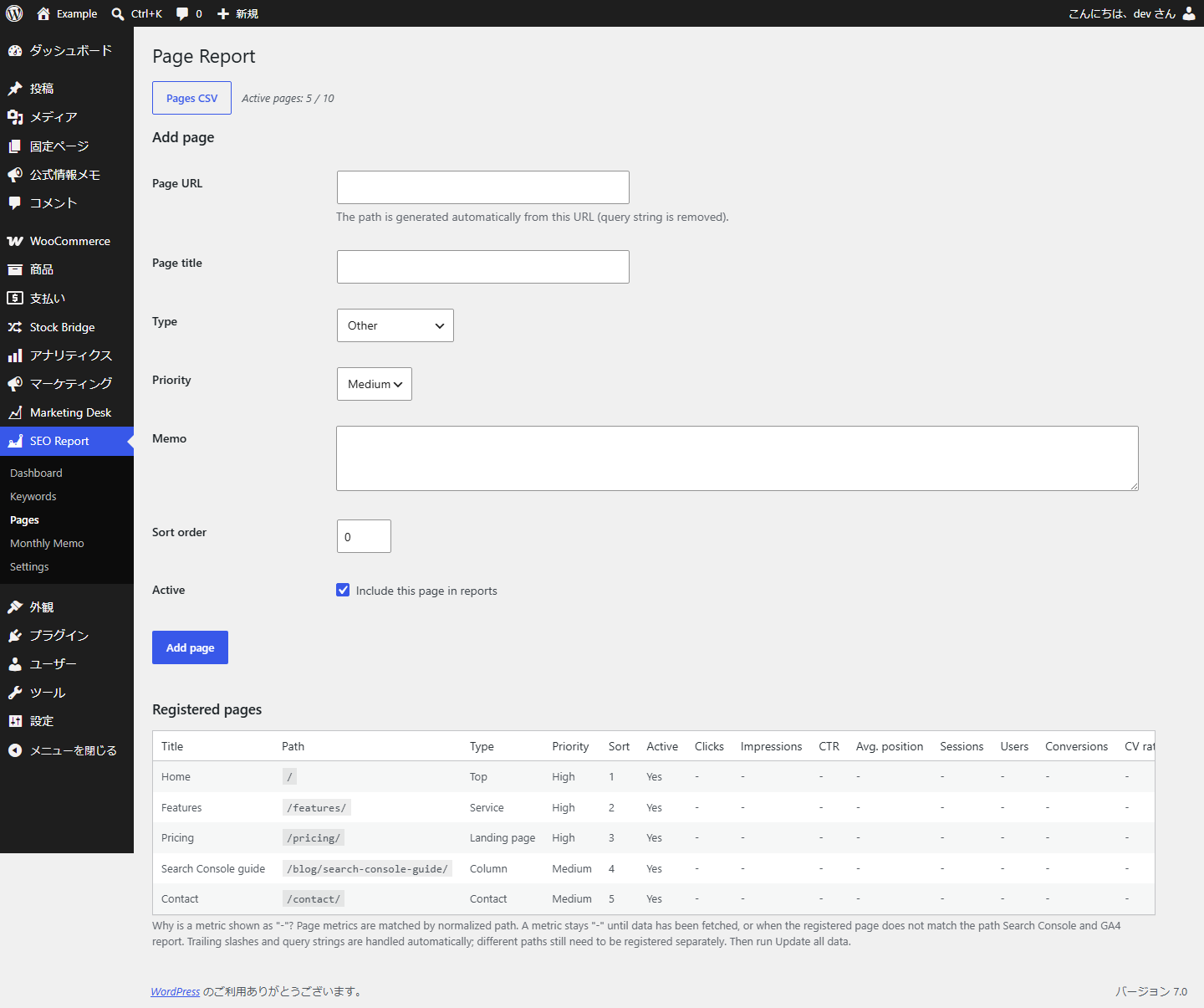
- Register your priority pages and track organic traffic and conversions.
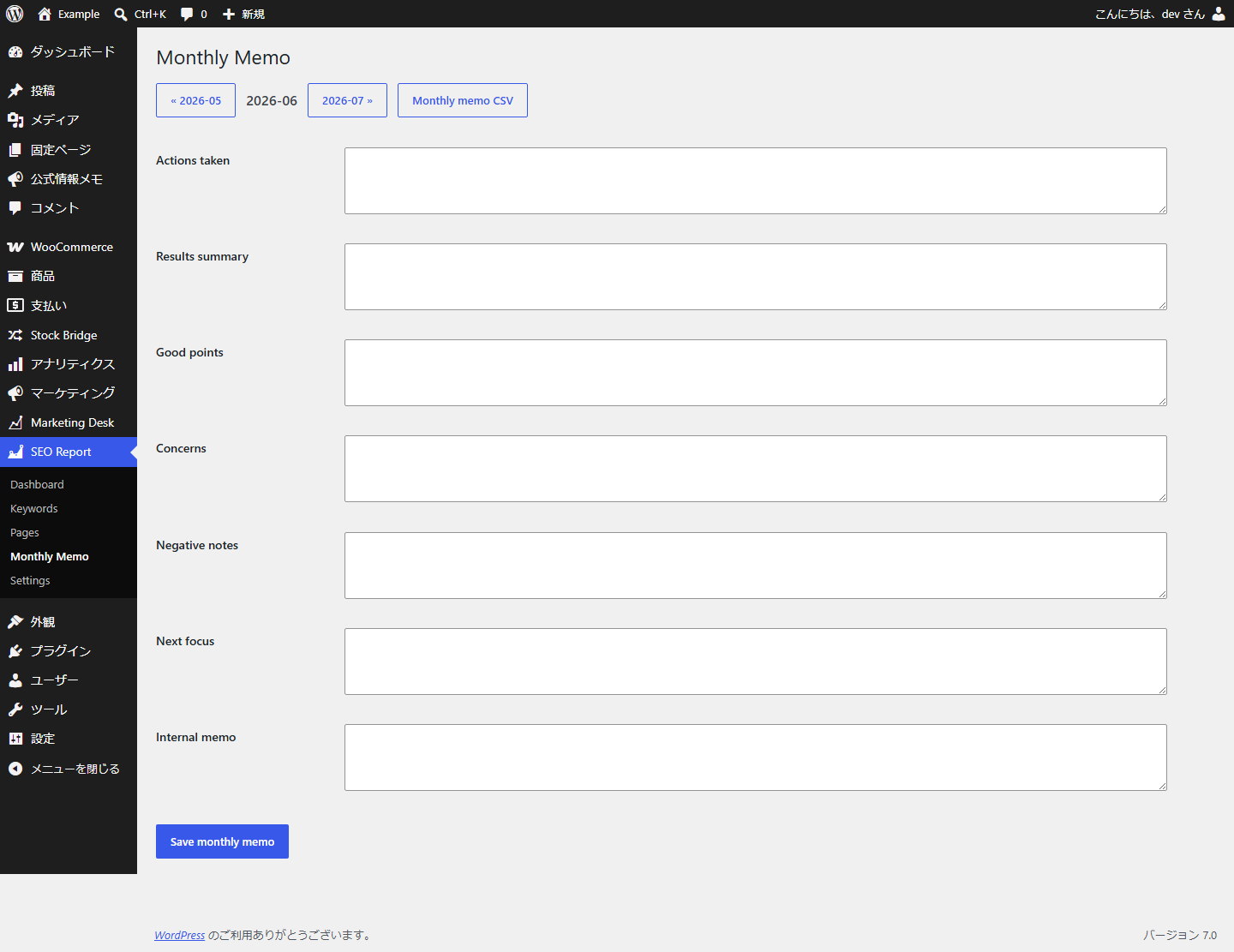
- Save monthly reporting notes (actions taken, results, concerns, next focus, internal memo).
- See week-over-week and month-over-month comparisons.
- Export keyword, page and monthly-memo data to CSV (UTF-8 with BOM, Excel-friendly).
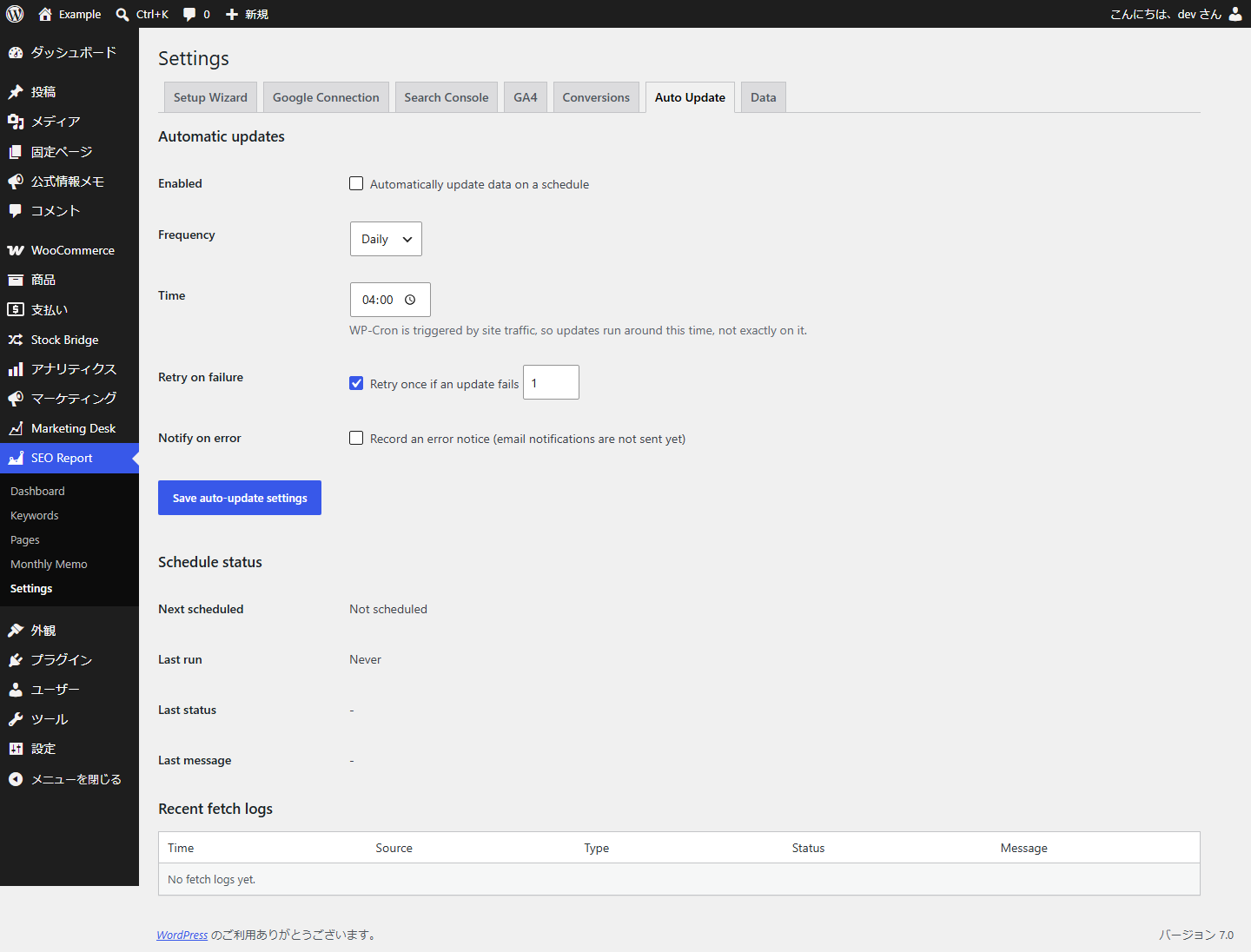
- Update on demand, or automatically via WP-Cron.
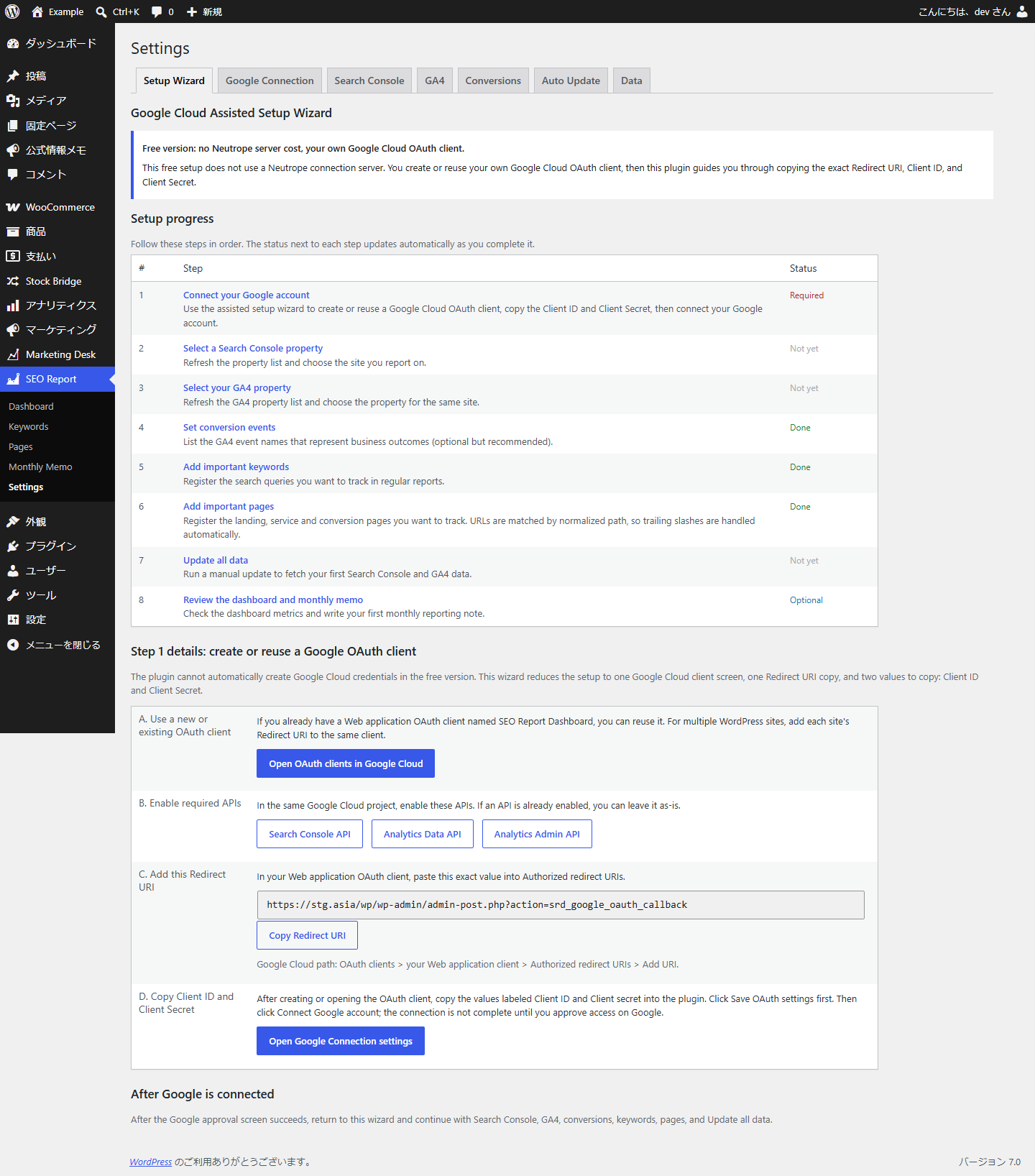
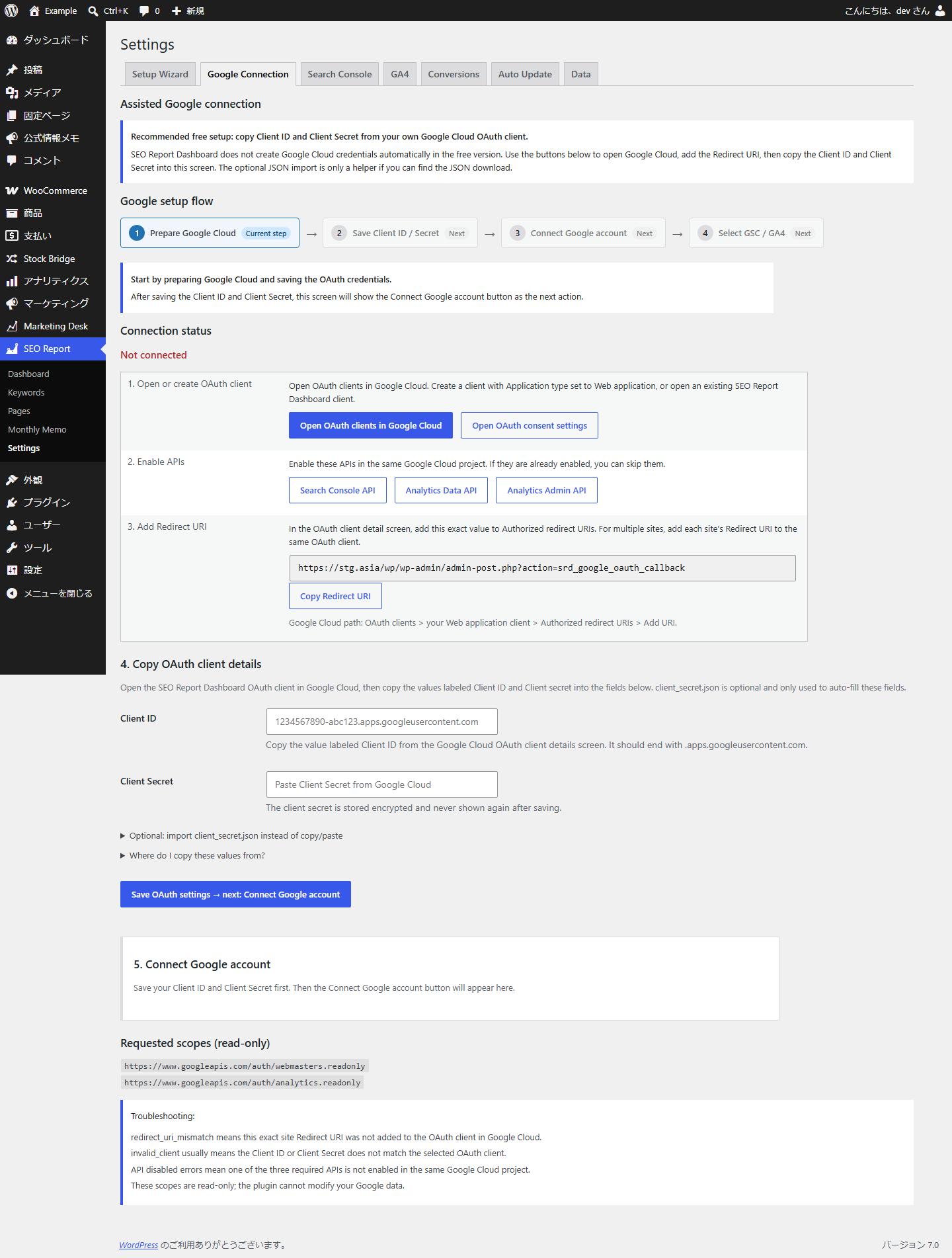
- Connect securely with Google OAuth 2.0 using your own OAuth client, with an assisted setup wizard and Client ID / Client Secret copy.
- All fetched data is stored in your WordPress database.
Metrics shown
- Search Console: clicks, impressions, CTR, average position (site, per keyword, per page).
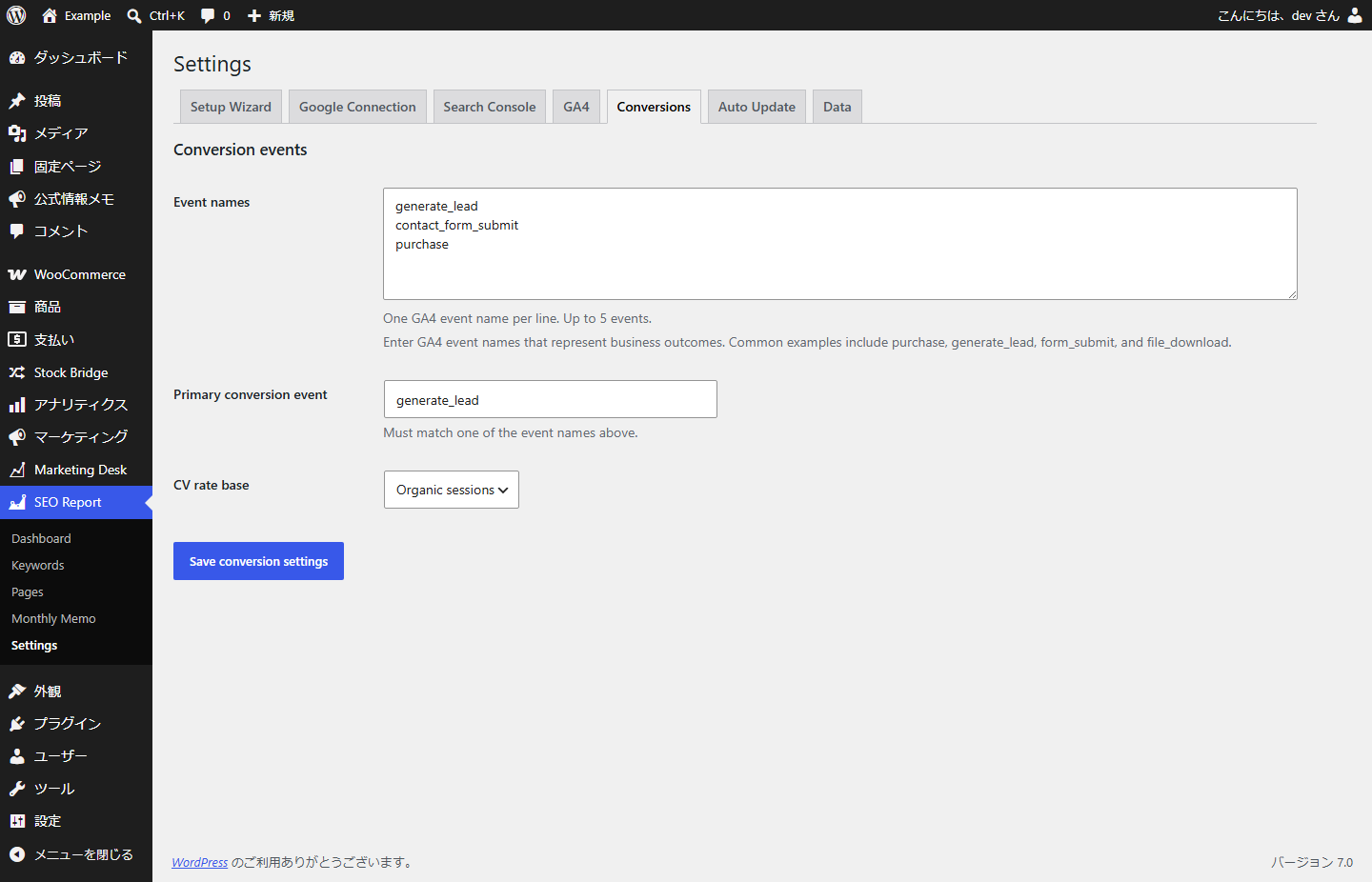
- GA4: organic sessions, active users, engaged sessions, engagement rate and configured conversion events (site and per page).
External services
This plugin connects to Google APIs to retrieve your Search Console and Analytics data. It only does so after you connect your own Google account via OAuth, and it communicates with Google when you manually update data or when a scheduled (WP-Cron) update runs. No data is sent anywhere except Google’s APIs, and retrieved data is stored in your WordPress database.
Google OAuth 2.0 (accounts.google.com, oauth2.googleapis.com)
Used to authorize access and to obtain/refresh access tokens. The plugin sends your OAuth client ID/secret and the authorization code or refresh token, and receives access and refresh tokens. Tokens are stored encrypted.
Google Search Console API (www.googleapis.com/webmasters)
Sends: OAuth access token, the selected Search Console property URL, date ranges, your registered keywords and registered page URLs.
Receives: clicks, impressions, CTR, average position, and query/page performance data.
When: when you manually update Search Console data, or when a scheduled update runs.
Google Analytics Data API (analyticsdata.googleapis.com)
Sends: OAuth access token, your GA4 property ID, date ranges, registered page paths and configured conversion event names.
Receives: organic sessions, active users, engaged sessions, engagement rate, and event counts for the configured conversion events.
When: when you manually update GA4 data, or when a scheduled update runs.
Google Analytics Admin API (analyticsadmin.googleapis.com)
Sends: OAuth access token.
Receives: GA4 account and property summaries available to the connected Google account.
When: only when you click Refresh GA4 properties on the GA4 settings tab.
Your use of Google APIs through this plugin is subject to the Google APIs Terms of Service (https://developers.google.com/terms) and the Google Privacy Policy (https://policies.google.com/privacy).
Скріншоти
Встановлення
- Upload the
neutrope-seo-report-dashboardfolder to/wp-content/plugins/, or install the ZIP via Plugins -> Add New -> Upload Plugin. - Activate the plugin through the Plugins screen.
- Go to SEO Report -> Settings -> Google Connection.
- Create or reuse an OAuth client (type: Web application) in Google Cloud Console, enable the Search Console API, the Google Analytics Data API, and the Google Analytics Admin API, and add the Redirect URI shown on the settings screen to your client’s Authorized redirect URIs.
- Download the OAuth client JSON file from Google Cloud and import it on the Google Connection screen, or paste the Client ID and Client Secret manually.
- Save the OAuth settings, then click Connect Google account.
- On the Search Console tab, refresh the property list, select your property and save, then click Update Search Console data.
- On the GA4 tab, refresh the GA4 property list and select a property (or enter the numeric property ID manually), then click Update GA4 data. Configure conversion event names on the Conversions tab.
- (Optional) On the Auto Update tab, enable scheduled updates.
Часті питання
-
Is this a replacement for Google Site Kit?
-
No. Site Kit is a broad analytics integration. Neutrope SEO Report Dashboard is a focused reporting layer that surfaces only the figures needed for weekly/monthly SEO reports and adds keyword/page tracking, monthly notes, comparisons and CSV export.
-
Do I need my own Google OAuth client?
-
Yes. You provide your own OAuth Client ID and Client Secret, so Neutrope does not run a shared connection server for your site. The assisted setup wizard can import Google’s client_secret.json (optional) file to fill those fields automatically. The client secret and refresh token are stored encrypted in your database.
-
What permissions does the plugin request?
-
Read-only scopes only:
https://www.googleapis.com/auth/webmasters.readonlyandhttps://www.googleapis.com/auth/analytics.readonly. The plugin cannot modify your Google data. -
Where is my data stored?
-
In your WordPress database. No data is sent to Neutrope or any third party other than Google’s APIs.
-
Why are some numbers delayed?
-
Search Console data lags by a couple of days, so reports use an end date two days in the past.
-
Does it support multiple sites or PDF export?
-
Not in this version. This release focuses on a single property, on-screen reporting and CSV export.
Відгуки
Для цього плагіна немає відгуків.
Учасники та розробники
“Neutrope SEO Report Dashboard” — проект з відкритим вихідним кодом. В розвиток плагіну внесли свій вклад наступні учасники:
Учасники
Перекладіть “Neutrope SEO Report Dashboard” на вашу мову.
Цікавитесь розробкою?
Перегляньте код, перегляньте сховище SVN або підпишіться на журнал розробки за допомогою RSS.
Журнал змін
0.1.1
- Add Japanese translation.
0.1.0
- Initial MVP: Google OAuth connection, Search Console and GA4 integration, keyword/page registration, monthly memos, week/month comparisons, CSV export, manual and WP-Cron updates.