

Опис
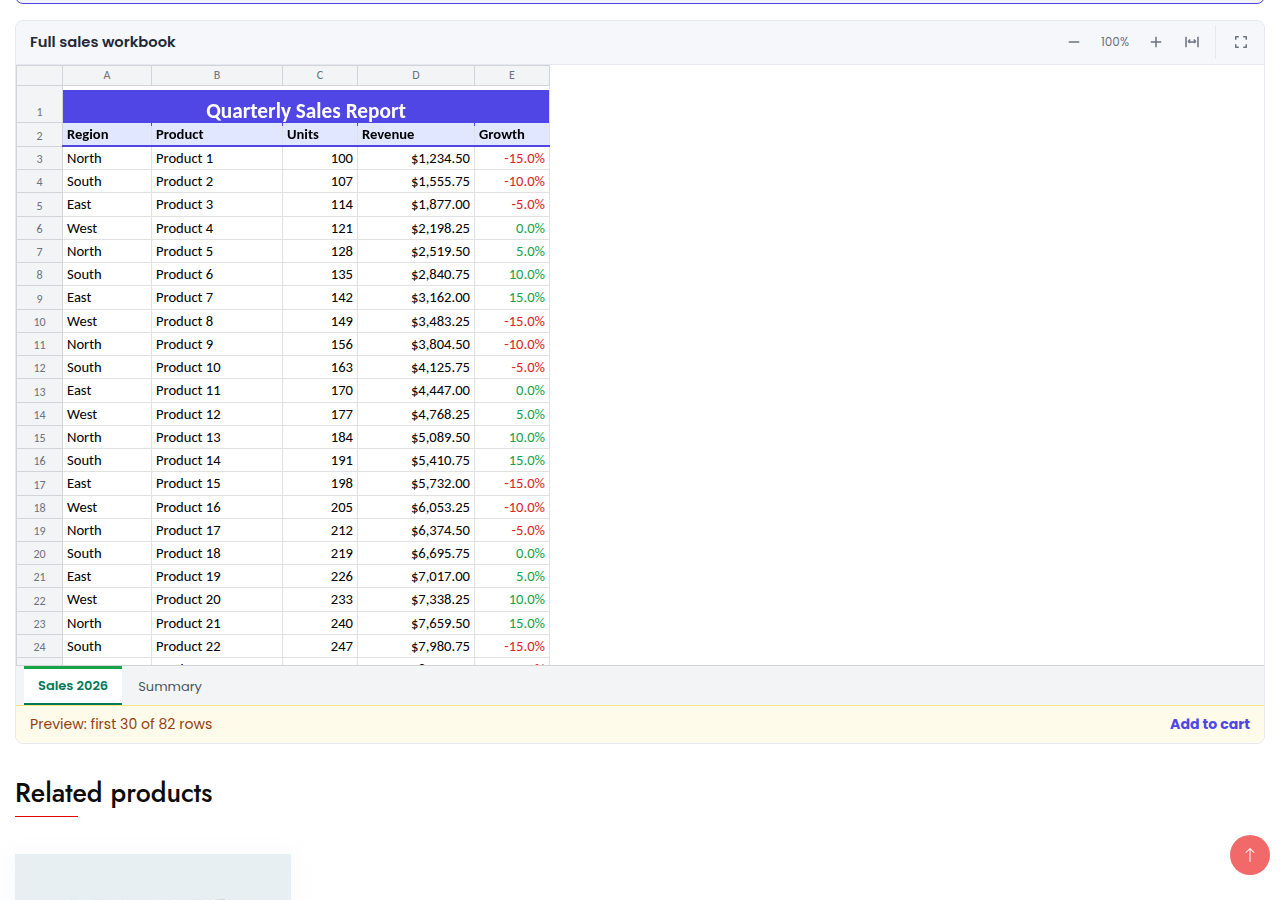
Selling ebooks, templates, worksheets, spreadsheets, sheet music or courses? LayoutGlut adds a preview of your files to WooCommerce products, so customers can look inside before they buy.
Where previews show
- Product page: in a product tab, below the add to cart button, or full width above / below the tabs
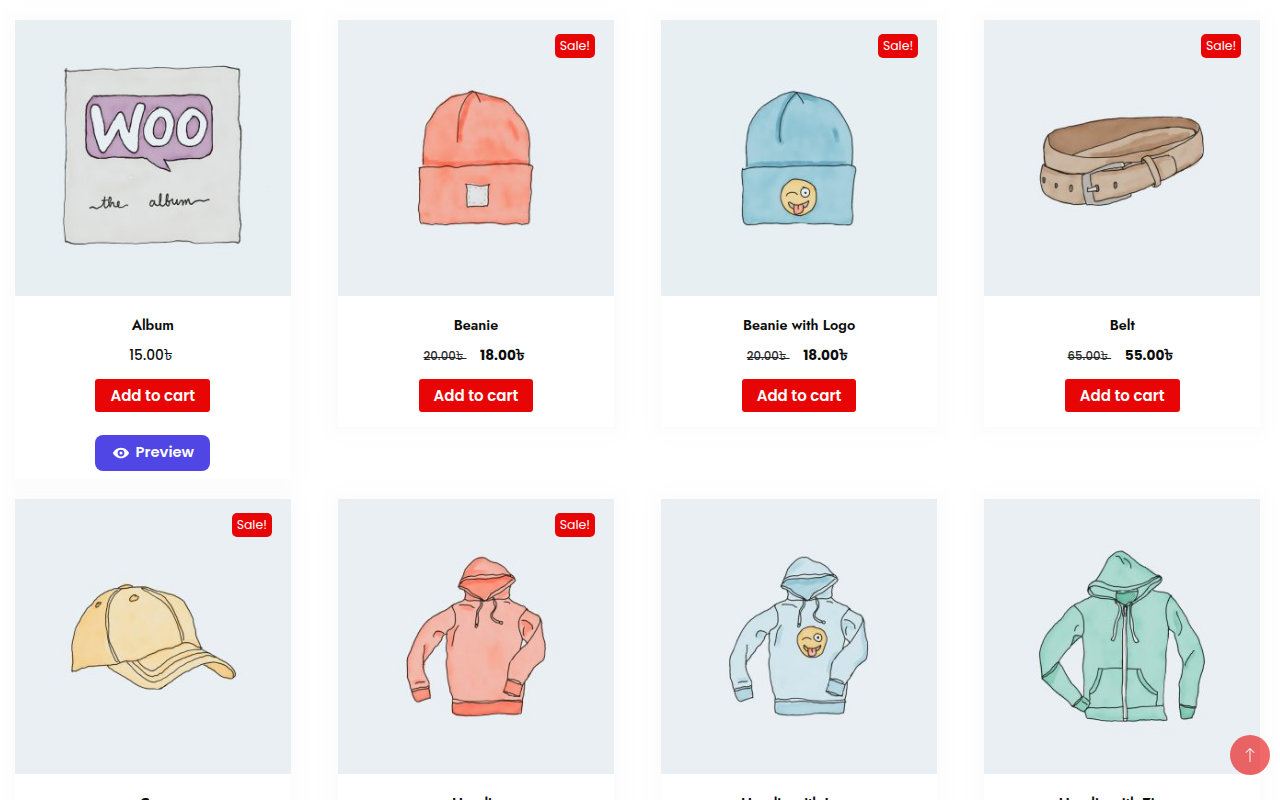
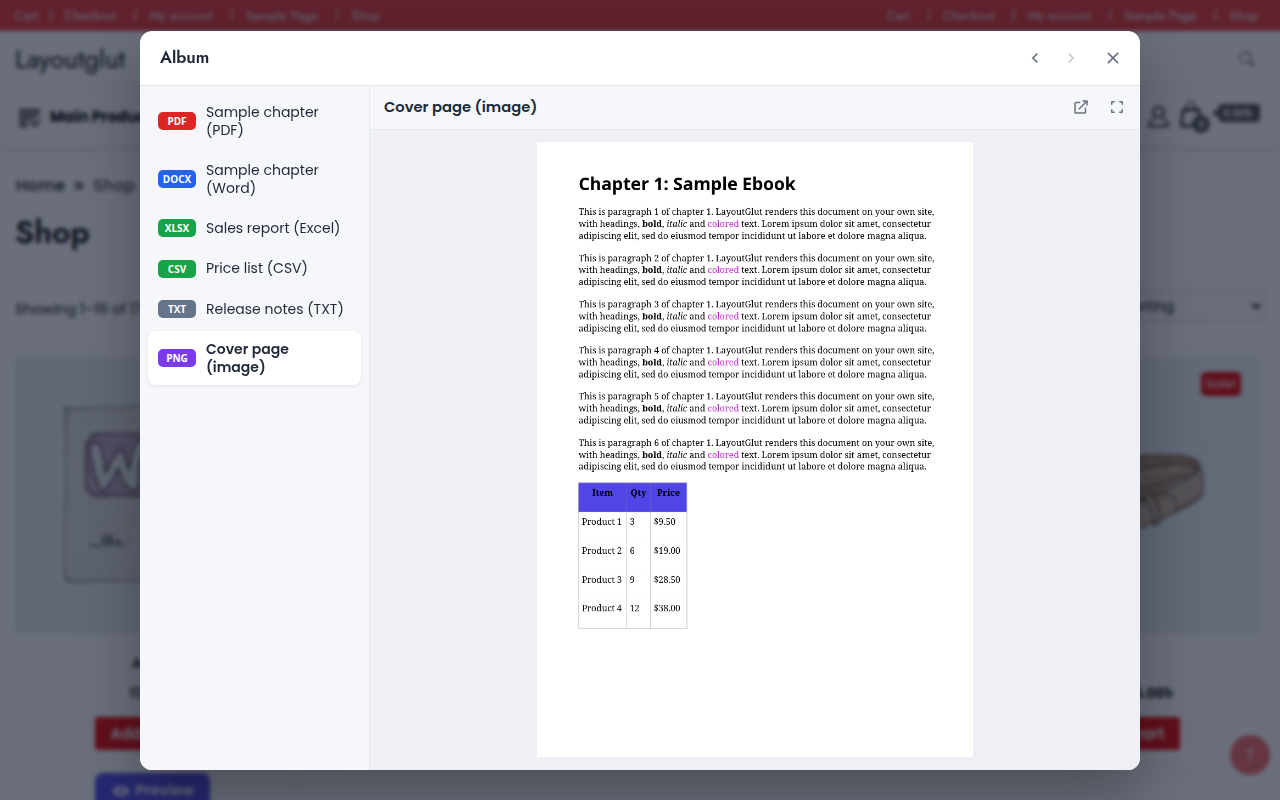
- Shop, category, tag and search pages: a “Preview” button (button, icon or link) on each product card that opens a popup
- Anywhere: the
[layoutglut_preview]shortcode - Classic and block themes
What can be previewed
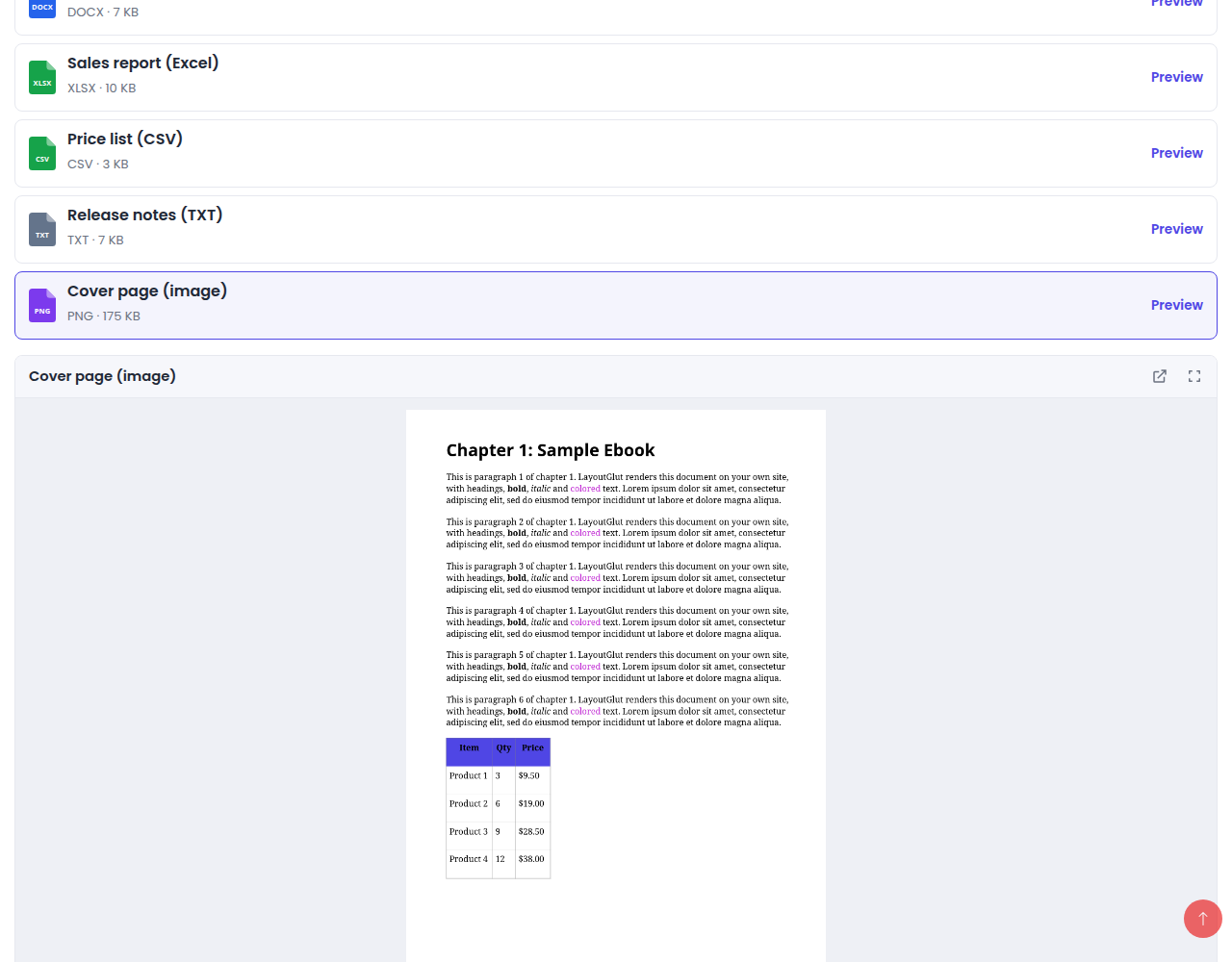
- PDF, Word (DOC, DOCX, ODT, RTF), Excel (XLS, XLSX, ODS, CSV), PowerPoint (PPT, PPTX, ODP) and text files — through the Google Docs viewer
- Images, video and audio — with the built-in viewer
Per product
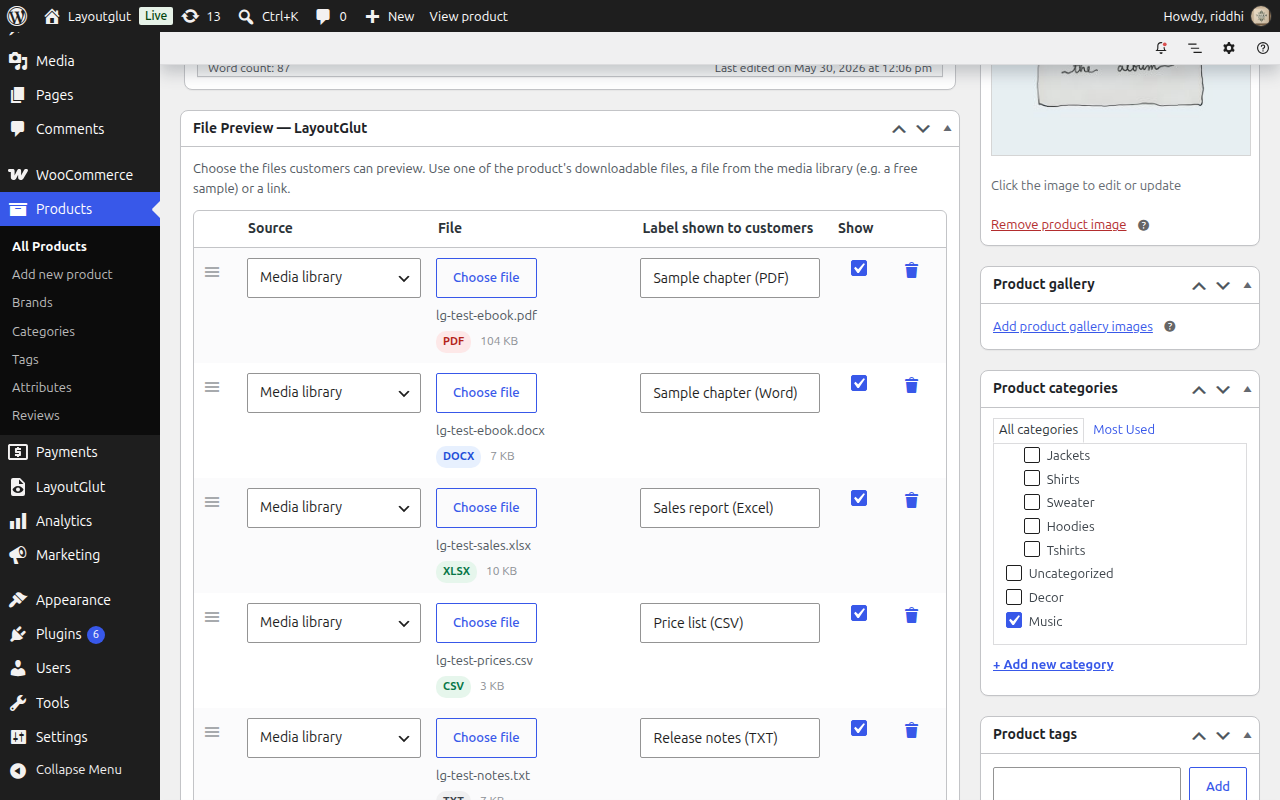
A “File Preview” box on the product edit screen: pick the product’s downloadable files, a file from the media library (for example a free sample) or a link; label, order and switch each one on or off; show or hide previews for one product.
Admin
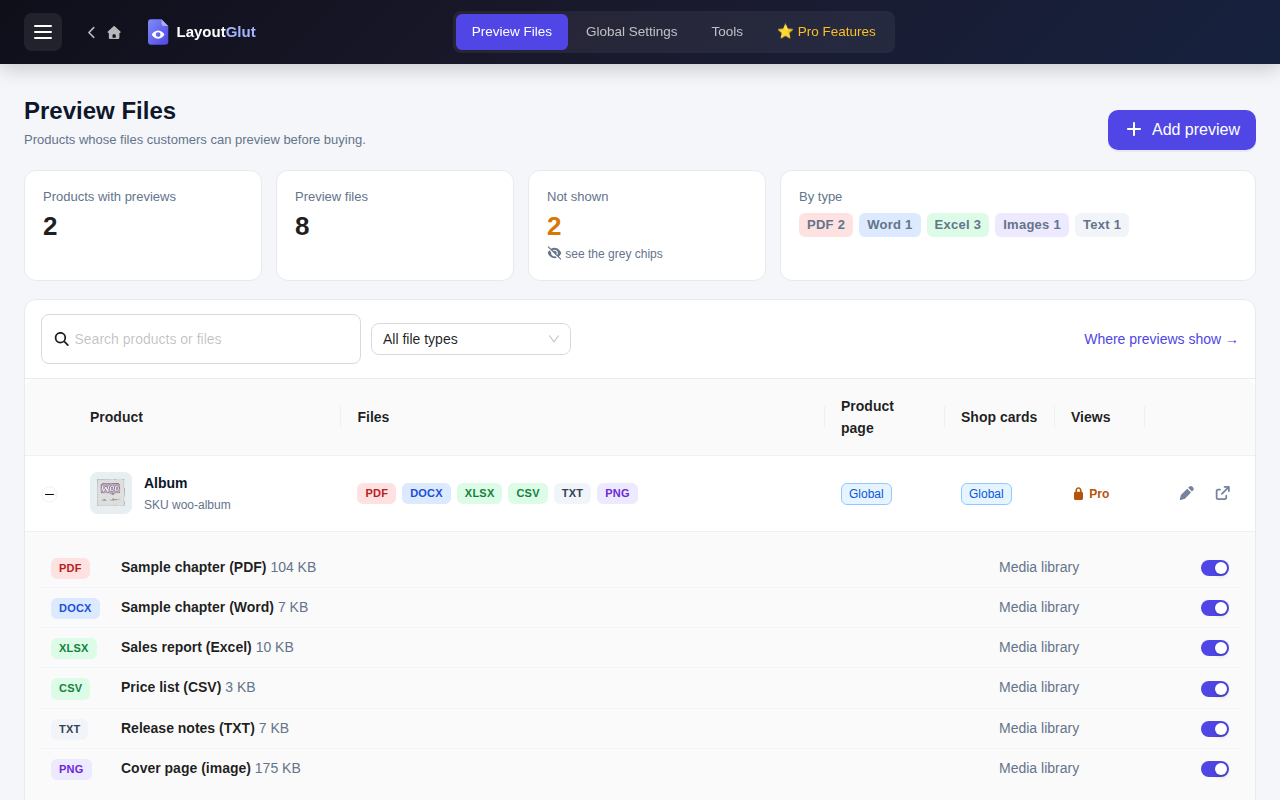
- Preview Files: every product with previews, file types, what is not shown and why, quick on / off switches
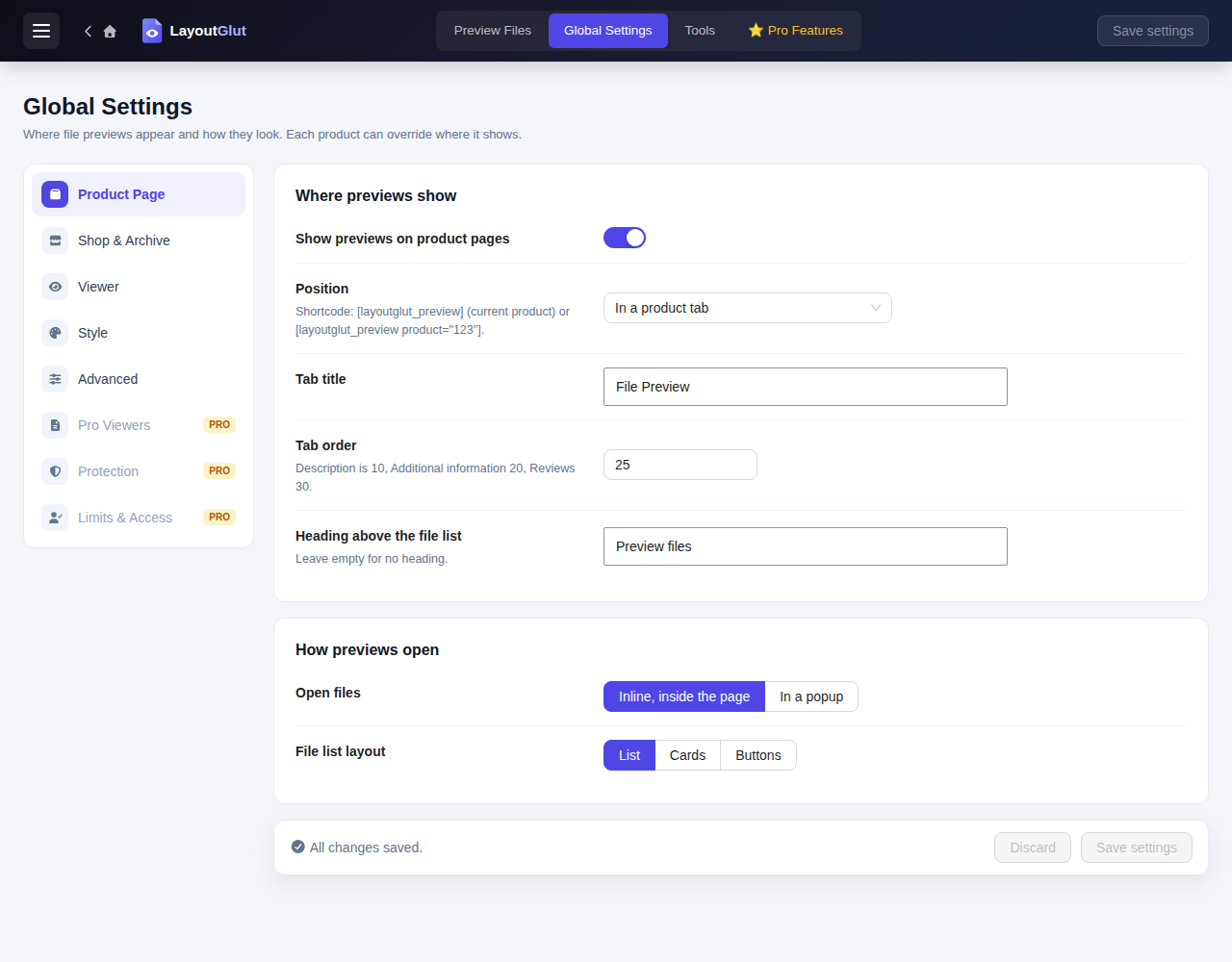
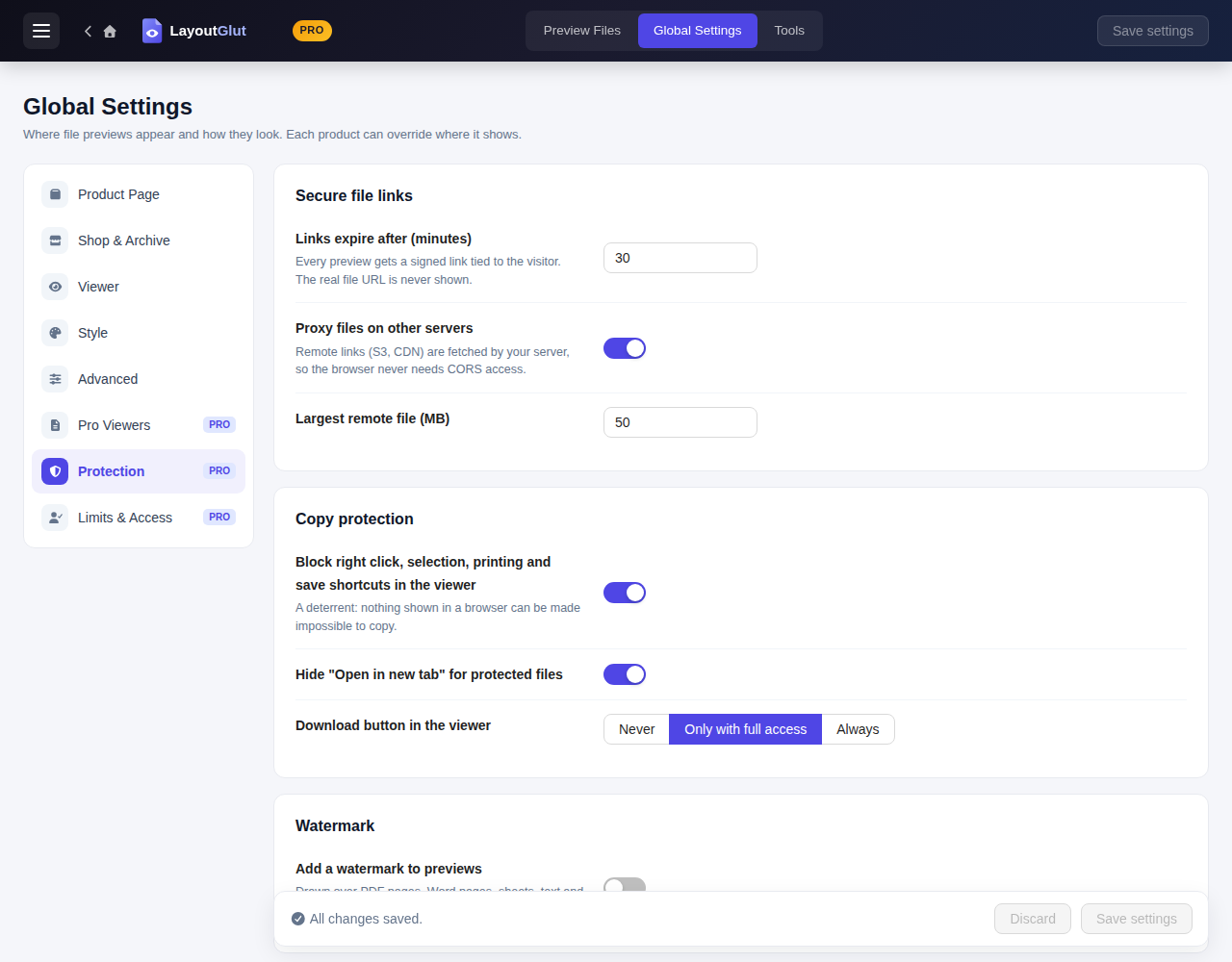
- Global Settings: placement, popup or inline viewer, file list layout, button style and text, colors, custom CSS
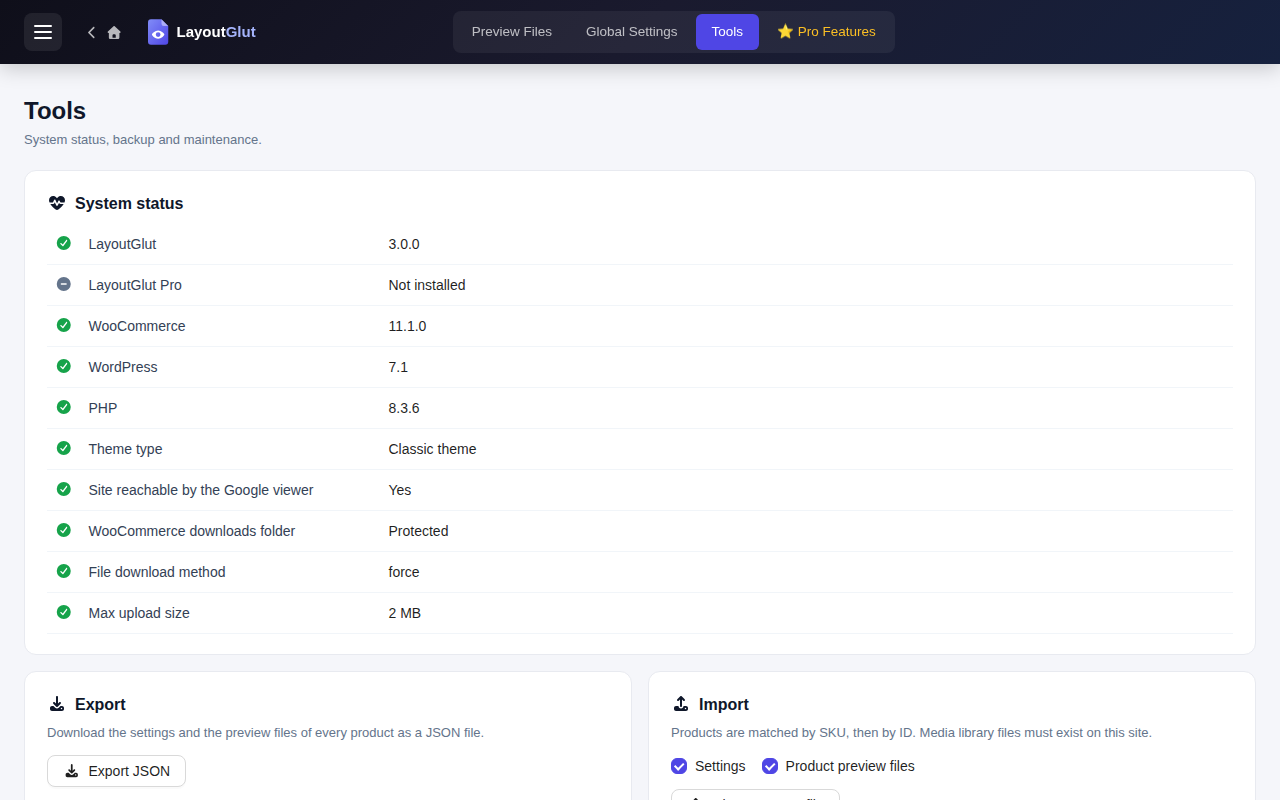
- Tools: system status, export / import, reset, delete all
Good to know
The Google Docs viewer has to download the file from your site, so documents only preview on a site that is reachable from the internet, and only for files with a public URL (not files in the protected WooCommerce downloads folder — upload a sample to the media library instead). Images, video and audio work everywhere.
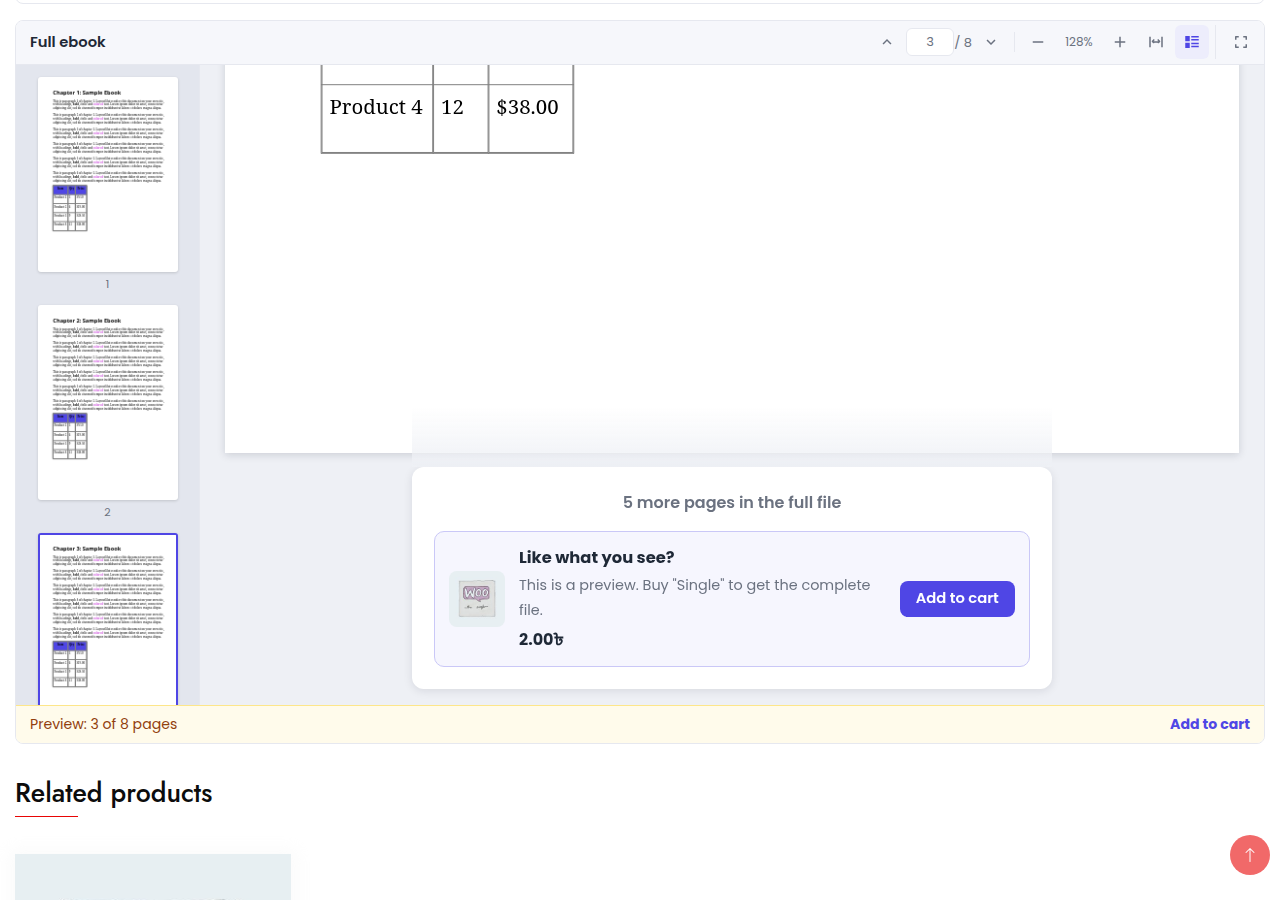
LayoutGlut Pro renders PDF (PDF.js), Word (DOCX) and Excel (XLSX, XLS, ODS, CSV) on your own site through signed, expiring links, works on local and private sites and with protected files, and adds preview limits for non-buyers with a buy box, watermarks, copy protection, buyer and role access rules, previews in My Account › Downloads and preview analytics.
External services
This plugin uses the Google Docs Viewer (docs.google.com) to show PDF, Word, Excel, PowerPoint and text files in the free version.
- What is sent: when a visitor opens such a preview, their browser loads
https://docs.google.com/gviewwith the public URL of that preview file. Google then downloads the file from your site to display it. The visitor’s browser connects to Google, so Google receives the visitor’s IP address and browser details. - When: only when a visitor opens a preview of one of those file types. Nothing is sent on page load, and nothing is sent for images, video or audio, which are shown by the browser directly.
- Files in the protected WooCommerce downloads folder are never sent.
- Google Terms of Service: https://policies.google.com/terms — Privacy Policy: https://policies.google.com/privacy
Скріншоти
Встановлення
- Upload the
layoutglutfolder to/wp-content/plugins/and activate it (WooCommerce must be active). - Edit a product and add files in the File Preview — LayoutGlut box.
- Choose where previews appear in LayoutGlut › Global Settings.
Часті питання
-
The PDF / Word preview stays blank
-
The Google Docs viewer cannot reach local sites (localhost, .local, .test) or files behind a login. Check LayoutGlut › Tools › System status. Use a public sample file, or LayoutGlut Pro for on-site rendering.
-
Can customers download the file from the preview?
-
Files in the WooCommerce protected folder are never given out by the free plugin. Media library files you add as samples are public files, like any media file.
-
Does it work with my theme?
-
Previews are added with standard WooCommerce hooks and blocks. If your theme prints its own product cards, the shop button attaches to the add to cart button; the shortcode works anywhere.
Відгуки
Для цього плагіна немає відгуків.
Учасники та розробники
“LayoutGlut – PDF, Doc, Excel, Image and more File preview for WooCommerce” — проект з відкритим вихідним кодом. В розвиток плагіну внесли свій вклад наступні учасники:
Учасники
Цікавитесь розробкою?
Перегляньте код, перегляньте сховище SVN або підпишіться на журнал розробки за допомогою RSS.
Журнал змін
3.0.1
- New plugin icon, banner and screenshots.
- The Save settings button is easier to read in the admin header.
- Readme wording improvements.
3.0.0
- Rebuilt as a WooCommerce file preview plugin.
- Product tab / section, shop and archive buttons, popup and inline viewer, shortcode.
- File Preview box on products; Preview Files, Global Settings and Tools screens.
- Extension API for LayoutGlut Pro and add-ons (see EXTENDING.md).