Опис
Advnaced Tabs Block is a custom Gutenberg Block developed with Gutenberg Native Components. You can easily showcase your contents in Tabs Style using this block. It has come with a lot of customization and styling options.
Overview
Key Features
- Simple, light-weight, and super-fast
- Built with only Gutenberg Native Components
- Load scripts only the page where the block is used
- No Block Builder at all
- 100% Responsive
- Advanced Customization options
- Easy to Use in Gutenberg Editor
- Drag & Drop Use
- All types of contents are allowed as Tabs Content
Update Notice
This is a major stable update. So, the old version will be broken. Please redesign your tabs using the new version. Sorry for the inconvenience.
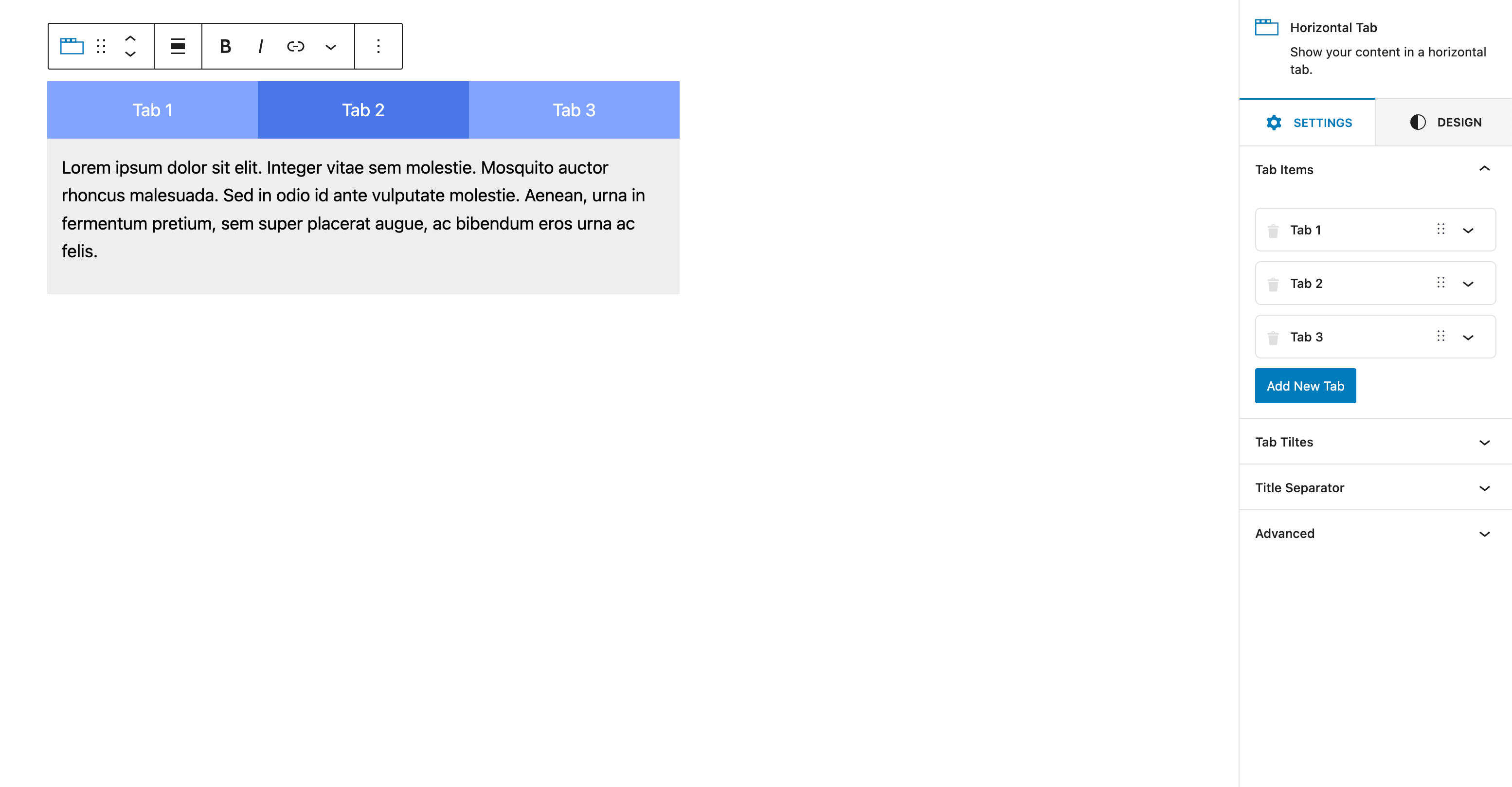
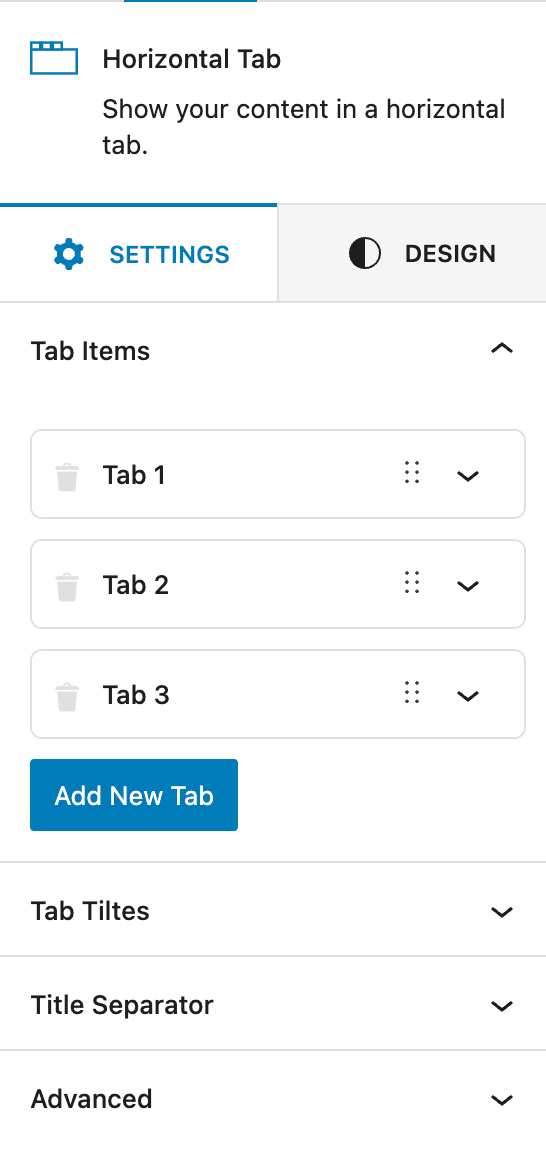
Скріншоти


Блоки
Цей плагін надає 2 блоки.
- Horizontal Tab Show your content in a horizontal tab.
- Tab Show your content in a horizontal tab.
Встановлення
This section describes how to install the plugin and get it working.
e.g.
- Upload the plugin files to the
/wp-content/plugins/advanced-tabs-blockdirectory, or install the plugin through the WordPress plugins screen directly. - Activate the plugin through the ‘Plugins’ screen in WordPress
- Simply go to Gutenberg Block Editor and you will find a new category with a new Block named “Advanced Tabs Block”
- Drag and drop to use it.
Часті питання
-
Is it responsive?
-
Sure, it is 100% Responsive
-
Have you used any block builder?
-
No, it is built with 100% Gutenberg Native Components only.
Відгуки


Учасники та розробники
“Advanced Tabs Gutenberg Block” — проект з відкритим вихідним кодом. В розвиток плагіну внесли свій вклад наступні учасники:
Учасники
“Advanced Tabs Gutenberg Block” було перекладено на 1 локалізацію. Дякуємо перекладачам за їх роботу.
Перекладіть “Advanced Tabs Gutenberg Block” на вашу мову.
Цікавитесь розробкою?
Перегляньте код, перегляньте сховище SVN або підпишіться на журнал розробки за допомогою RSS.
Журнал змін
1.2.2
- Fixed: Some minor bugs
1.2.0
* Added: New Styles for Tabs
* Added: New Styles for Tabs Content
* Added: Icon Support for Tabs
* Added: New Typography Options
* Added: New Color Options
* Added: New Spacing Options
* Added: New Border Options
* Fixed: Some minor bugs
* Improved: Code Quality
1.1.4
* Fixed: PHP errors are Fixed
* Improved: Code Quality
1.1.2
* Fixed: Some minor bugs
1.1.0
* Added: New Styles for Tabs
1.0.0 – Initial Release